
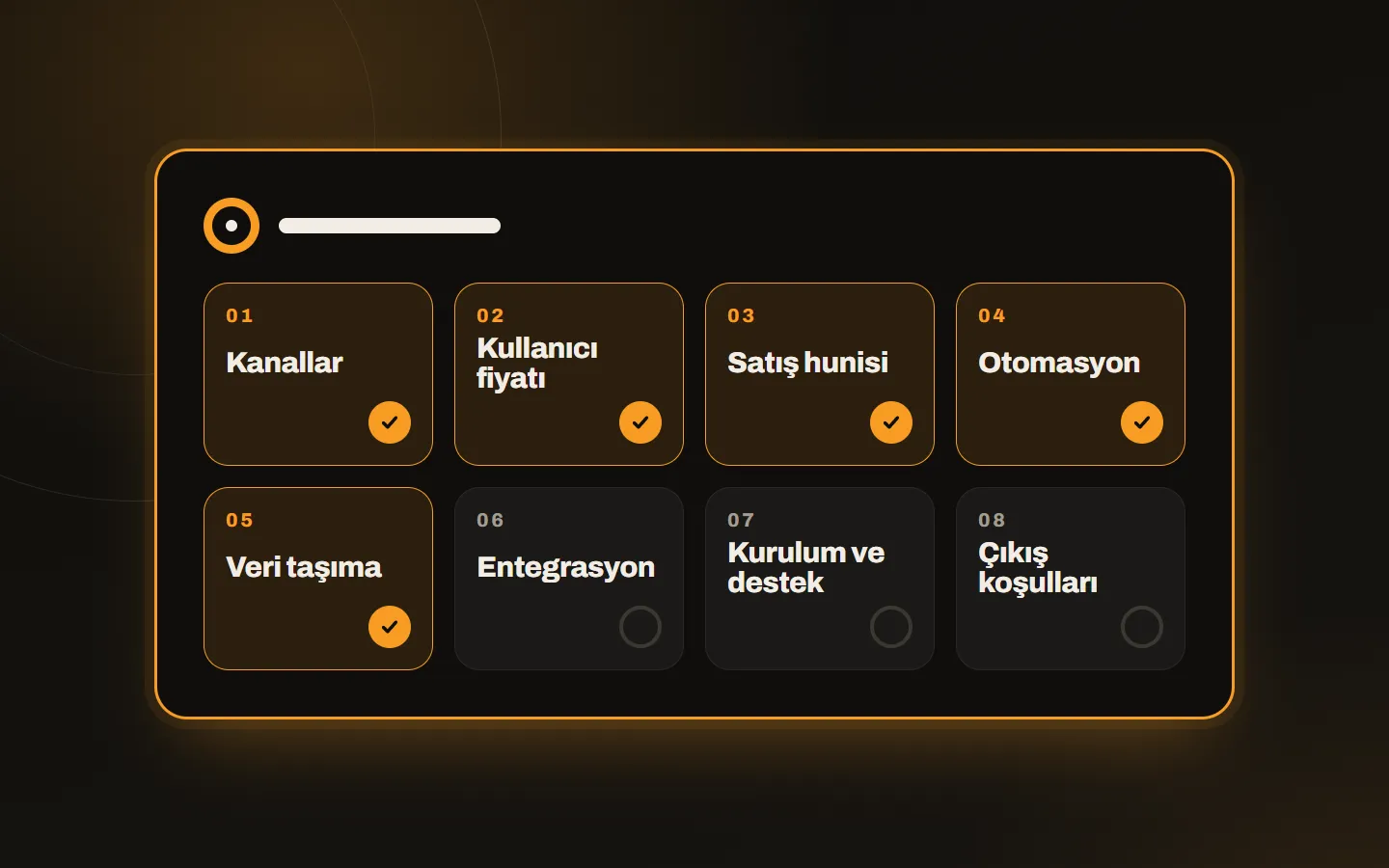
CRM selection usually starts with a feature comparison and ends in the wrong place: choose the one your team will actually use, not the one with the most features. These eight questions put your decision on firm ground whichever tool you buy.
1. Where do my customers write to me?
Count your channels first: WhatsApp, Instagram, phone, email, web form. If your customer makes first contact by message, an email-centred classic CRM is not enough; a message-based CRM means less manual work here. If first contact is mostly by phone or in person, the options widen.
2. How many people will use it and how does the price grow?
Most CRMs charge per user. Calculate next year’s team, not today’s. Look at the minimum subscription term, the limits that change as plans go up (channels, records, AI credits) and the price of extra users. If the licence is priced in foreign currency, ask in advance at what rate and in which currency it will be invoiced.
3. How will the sales process look in the pipeline?
You should be able to change the stages to fit your workflow and open more than one pipeline. In the demo, use your own process as the example, and if you cannot build it on screen, do not go further.
4. How no-code is the automation?
Can you set up a welcome message, an after-hours reply, auto assignment and reminder tasks without a developer? These save the most time. We described which automations we set up in connecting WhatsApp sales to a CRM.
5. Can I move my existing data?
Import by Excel or CSV is a basic requirement. Check that you can map fields and clean up duplicates. If data does not start clean, you cannot trust the reports.
6. Does it talk to other tools?
If you need a connection to your website, e-commerce setup, accounting software or payment system, look for an open API, Zapier or Make support. If there is no ready integration, a custom connection can be written; see our custom software service.
7. Who will do setup and support?
Where a CRM fails most often is setup: the account is opened, but the pipeline, bots and roles stay half done. Ask who does the setup, who is with you in the first weeks and in which language support is given. Support in Turkish makes a bigger difference to adoption than you would expect. At Kariha we take care of Kommo setup and optional management.
8. What happens to my data if I leave?
Read the exit terms up front: can you export your data, how does cancellation work, is there automatic renewal? A good tool hands your data back when you leave too.
A short way to decide
- Write your own answers to the eight questions above.
- Pick two or three candidates.
- Try building one real customer flow from start to finish in each.
- Let two people from the team use it for a week and note when they get stuck.
In the end, the winner is not the tool with the most features but the one your team uses without getting tired of it. If you would like to look together at which fits you, write to us and we will explain a setup that suits your business processes.