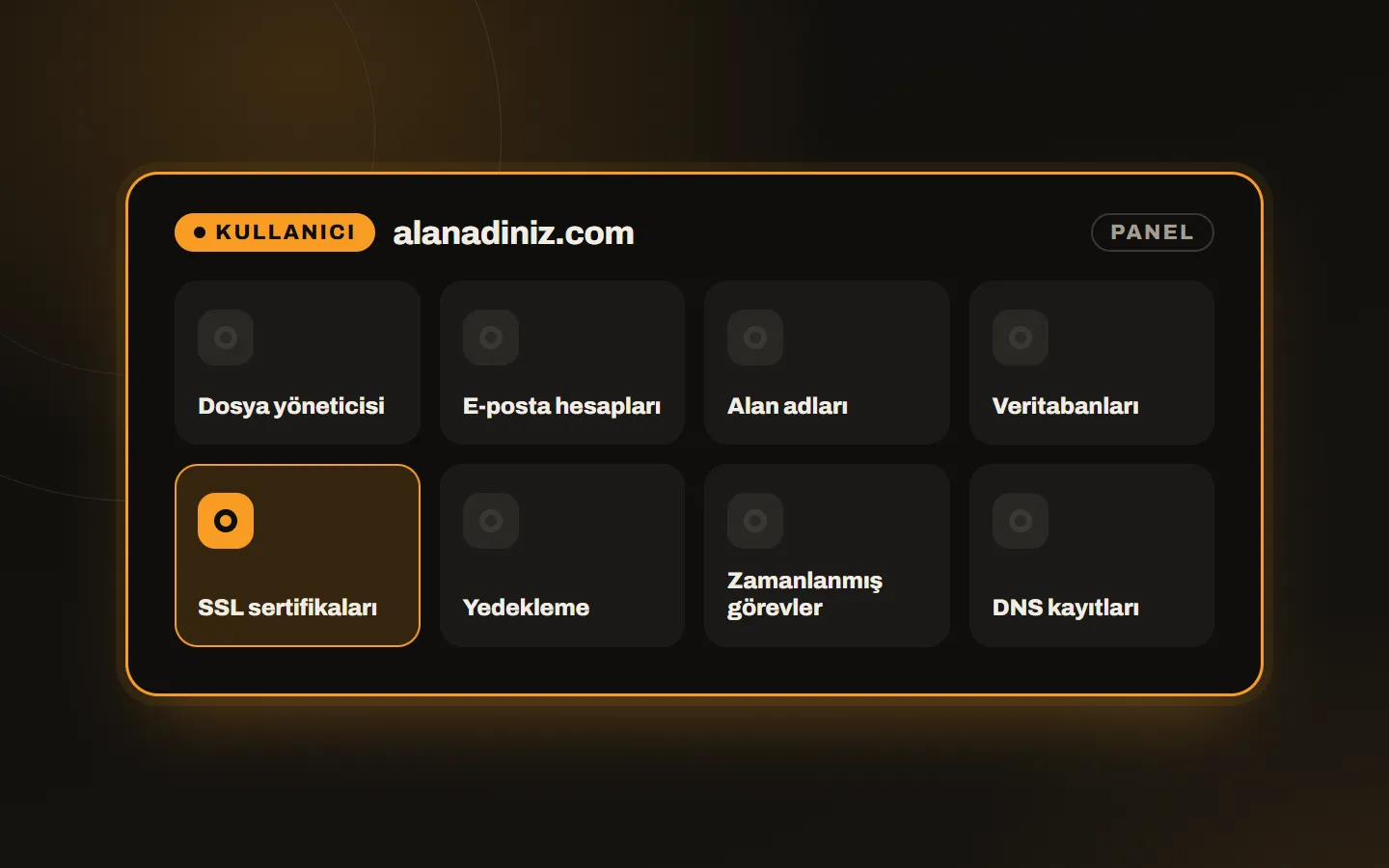
A clean panel for the site owner
Domain, files, email accounts, databases and SSL on one screen. Get a free SSL certificate in one click, create a backup and edit DNS records.
SSL and backups guide →Server control panel
A light, fast and clean hosting control panel. Get the genuine license and we install it on your cloud server, VPS or dedicated server.
Domain, files, email accounts, databases and SSL on one screen. Get a free SSL certificate in one click, create a backup and edit DNS records.
SSL and backups guide →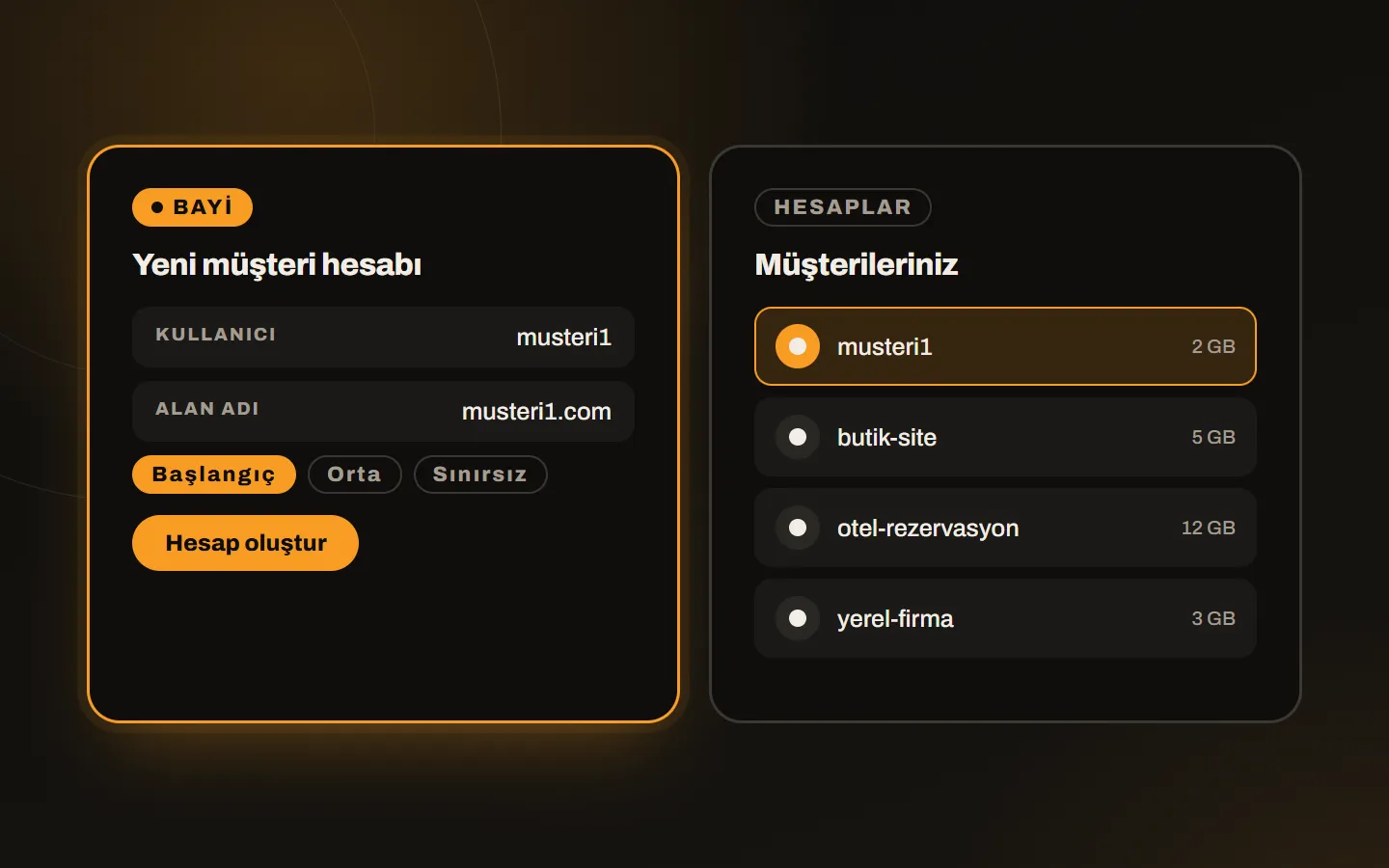
At reseller level you enter the username and domain, choose a package and create the account. Each customer logs in to their own panel; quotas and usage show on your screen.
Which plan suits you →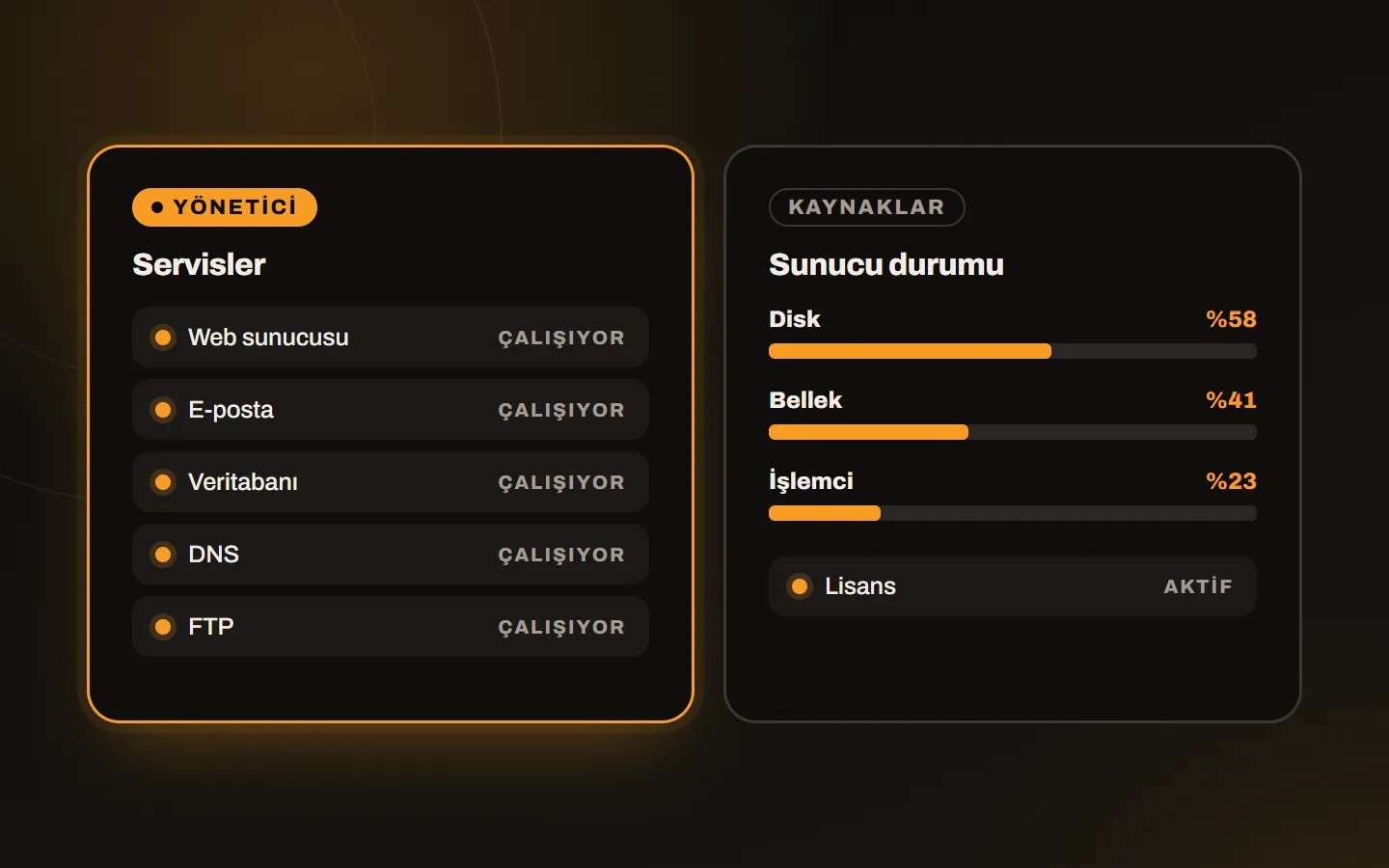
You watch the status of services, disk, memory and CPU usage and the license status, and manage accounts, resellers and updates from here.
Installation steps on a VPS →One DirectAdmin installation gives you three separate interfaces: user, reseller and administrator. You can browse all three in the official demo panel.
The site owner manages the domain, files, email, databases and SSL here.
The reseller creates accounts for their own customers, defines packages and distributes resources.
The administrator sees the whole server: accounts, resellers, services, security and updates.
Plans differ by the account and domain limit; the panel and features are the same in all of them. Pick a currency and prices update instantly.
2 accounts, 20 domains
— / mo
excl. VAT
10 accounts, 50 domains
— / mo
excl. VAT
Unlimited accounts and domains
— / mo
excl. VAT
Prices exclude VAT; 20% VAT is added at checkout. The license renews monthly. The currency you choose carries over to the cart as selected.
Tell us how many sites and customer accounts you will host and we will pick the right plan together.
Who it is for
About DirectAdmin
DirectAdmin is a commercial hosting control panel for Linux servers that manages websites, domains, email, databases and SSL certificates from a web interface. Without touching the command line you create accounts, add domains, set up mailboxes and take backups.
The panel’s most notable trait is that it is light. Because it uses less memory and CPU, even a small VPS has enough left for the web server, email and database. That is why it is favoured both by people who publish a few sites on one server and by small firms that resell hosting. For those looking for a cPanel alternative it stands out for its clean interface and license cost.
At Kariha we do not just sell the license; we install DirectAdmin on your server for free. What the panel is, how it differs from cPanel, the installation steps and how to handle SSL and backups are covered in detail in the guides below.
DirectAdmin · 14 October 2026 · 3 min
DirectAdmin is a light hosting panel that manages sites, email and databases on Linux servers. What it does, who it suits and what to watch for.
DirectAdmin · 14 October 2026 · 3 min
We compared cPanel and DirectAdmin on interface, resource use, license cost and learning time. Find out which one suits your project.
DirectAdmin · 14 October 2026 · 3 min
How to install DirectAdmin on a VPS or server: requirements, hostname setup, the install script and first steps after login. You can leave it to us too.
FAQ
DirectAdmin is a hosting control panel for Linux servers that manages websites, domains, email, databases and SSL certificates from a single interface. It is known for being light on resources.
Once the order is complete you send us your server details; installation usually takes 15 to 30 minutes. It can vary slightly with the server’s performance and its current configuration.
No. We install DirectAdmin on your server for free.
Cloud server, VPS or dedicated server does not matter; a Linux distribution supported by DirectAdmin (such as AlmaLinux, Rocky Linux, Debian or Ubuntu) is enough. It does not run on Windows servers.
The panel and features are the same; the difference is the number of accounts you can manage. The Personal plan has 2 accounts and 20 domains, the Lite plan 10 accounts and 50 domains. The Standard plan has unlimited accounts and domains.
Both are widely used hosting panels. DirectAdmin is lighter, uses less memory and CPU, and has a simpler interface. cPanel offers a wider range of features and add-ons but takes more resources. For small and medium hosting, DirectAdmin is often enough; it is a good choice if budget and speed are your priorities.
Yes. DirectAdmin has user permission levels, a firewall, SSL support and detailed logs. The automatic updates that come with the license also cover security patches.
The license renews monthly. Prices are shown excluding VAT; 20% VAT is added at checkout. You can choose Turkish lira, dollar, euro or pound when ordering.
When you need more accounts, write to us and we move your license to a higher plan.
Get in touch
Let us look at it together. We will show you a sample site and walk you through setup and the process. Write, call or fill in the form, and we reply the same day.