
Collecting dealer orders through messages, email and files can work at first. Different price lists, repeated stock questions and growing approval work can make the arrangement difficult to manage. Before commissioning a portal, identify which recurring tasks should actually move into a common system.
Understand how the portal differs from a public shop
A public shop often presents similar products and prices to most visitors. A dealer arrangement may vary prices, product access, ordering terms and approval rules by account. Those differences belong in the account and permission model. Adding a login screen alone does not create that model.
One dealer may order a particular range while another covers a different territory. Within an account, an employee may prepare an order for a manager to approve. Select real scenarios rather than build every imaginable variation immediately.
Wholesale ordering, corporate purchasing and distribution can share terminology while using different workflows. Explain the actual model and exceptions when requesting proposals. The work to be completed is more informative than the system’s name.
Look for repeated problems
Unclear price-list versions, incorrect product codes and invisible approvals are useful signs to investigate. Repeated questions do not automatically require a new platform, but they help locate the friction.
Keep a short record of re-entry, dealer queries and corrections. That evidence helps set priorities. A broad objective such as making every dealer digital does not define an acceptance criterion or identify which daily task should improve first.
Low order volume can still involve complex products or commercial rules. Conversely, a small network with simple occasional orders may benefit more from organising existing tools. Consider the type of repetition and error, rather than decide solely from the number of accounts.
Define price and product ownership
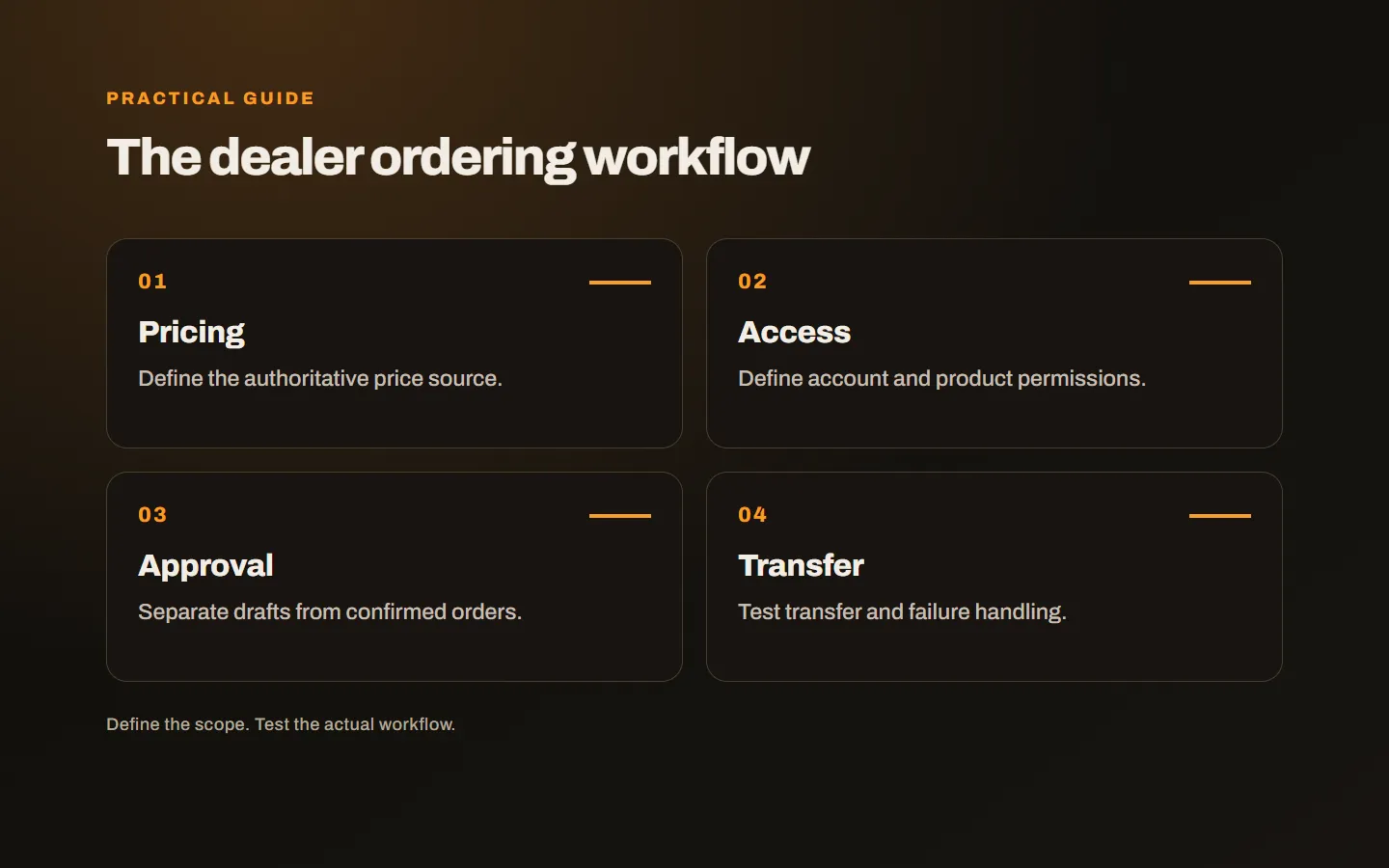
Identify the source, validity conditions and owner of each price list. If discounts vary by dealer, specify where they are calculated. When several systems store related information, establish the authoritative source. Showing the wrong price faster is not an improvement.
Present product codes, units and pack contents clearly. Customers ordering cartons should not confuse a unit price with the total. Minimum quantities and pack multiples should be explained where they apply, not appear as a surprise at the final step.
Private prices and restricted products require server-side permission checks. Hiding a button is insufficient. Also define how the business manages multiple employees within a dealer account and removes access when responsibility changes.
Separate drafts, requests and confirmed orders
In some businesses submission confirms an order. Others require a representative or head-office approval. Distinguish a quotation request, a draft and a confirmed order. Users should know when an action becomes final and when changes remain possible.
If stock, delivery or commercial checks are pending, make that state visible. An invisible request does not reduce telephone calls. Dealers need understandable progress, while staff need a practical route to act on the same record.
Include cancellation, amendments and partial delivery where they occur. A single completed checkbox may not represent a real order that ships in several parts. Reflect the actual business decisions rather than force operations into an oversimplified status.
Plan accounting and warehouse connections
The portal does not need to perform every function internally. Products, prices and quantities may come from existing tools, while approved orders move back into established operations. Specify the direction of each transfer and who handles failures.
Check access early. Product codes and dealer accounts must map consistently across systems. If current data needs cleaning, plan that separately. Finished portal screens do not demonstrate that the transfer is ready.
Repeated submission must not create duplicate orders. Also handle the case where a dealer sees a successful action but the central system has not accepted it yet. Status, retry and exception reporting belong in the scope rather than remain informal support tasks.
Start with a complete, limited release
Choose a dealer group and a commonly used ordering journey. Login, correct pricing, preparing the order, approval where needed and transfer to operations form one useful whole. Advanced reporting or additional channels can be assessed separately.
Include representative products and exceptions in the pilot. The easiest order working is not enough. Record where dealers struggle, and distinguish a training need from an interface problem. A portal that requires a phone explanation for every step may not yet reduce the workload.
Agree beforehand what decision follows the pilot. You may expand, revise a pricing rule or retain part of the existing process. Relate feedback to those choices so the trial does not become an endless project with no evaluation point.
Evaluate more than order totals
Look at repeated entry, pricing questions and visibility of pending approvals. Compare the same tasks before and after use. These observations can demonstrate value without inventing an efficiency percentage.
Our software integration proposal guide helps assess connected-system scope. Our custom software service considers dealer workflows alongside existing operations. Describe how orders arrive today and the corrections you make most often, and we can identify which part a portal should solve.