
A website opening successfully does not tell you whether information travelling between the visitor and the server is protected. Contact messages, account details and page responses need a secure connection. An SSL certificate helps establish that connection, but choosing the right document is only one part of delivering a properly configured website.
SSL, TLS and HTTPS explained
SSL remains the familiar product name, while modern secure websites use TLS. HTTPS is HTTP carried over a TLS connection. These terms describe related parts of the system rather than three competing products. When requesting a certificate, ask about the server configuration and renewal process as well as the certificate itself.
The certificate is not a file that independently encrypts every piece of website data. It participates in authentication when the browser and server establish their connection. Session keys and the negotiated protocol protect subsequent application traffic. A useful business requirement is therefore a working HTTPS service with documented ownership, rather than simply an invoice showing that a certificate was purchased.
What the browser checks
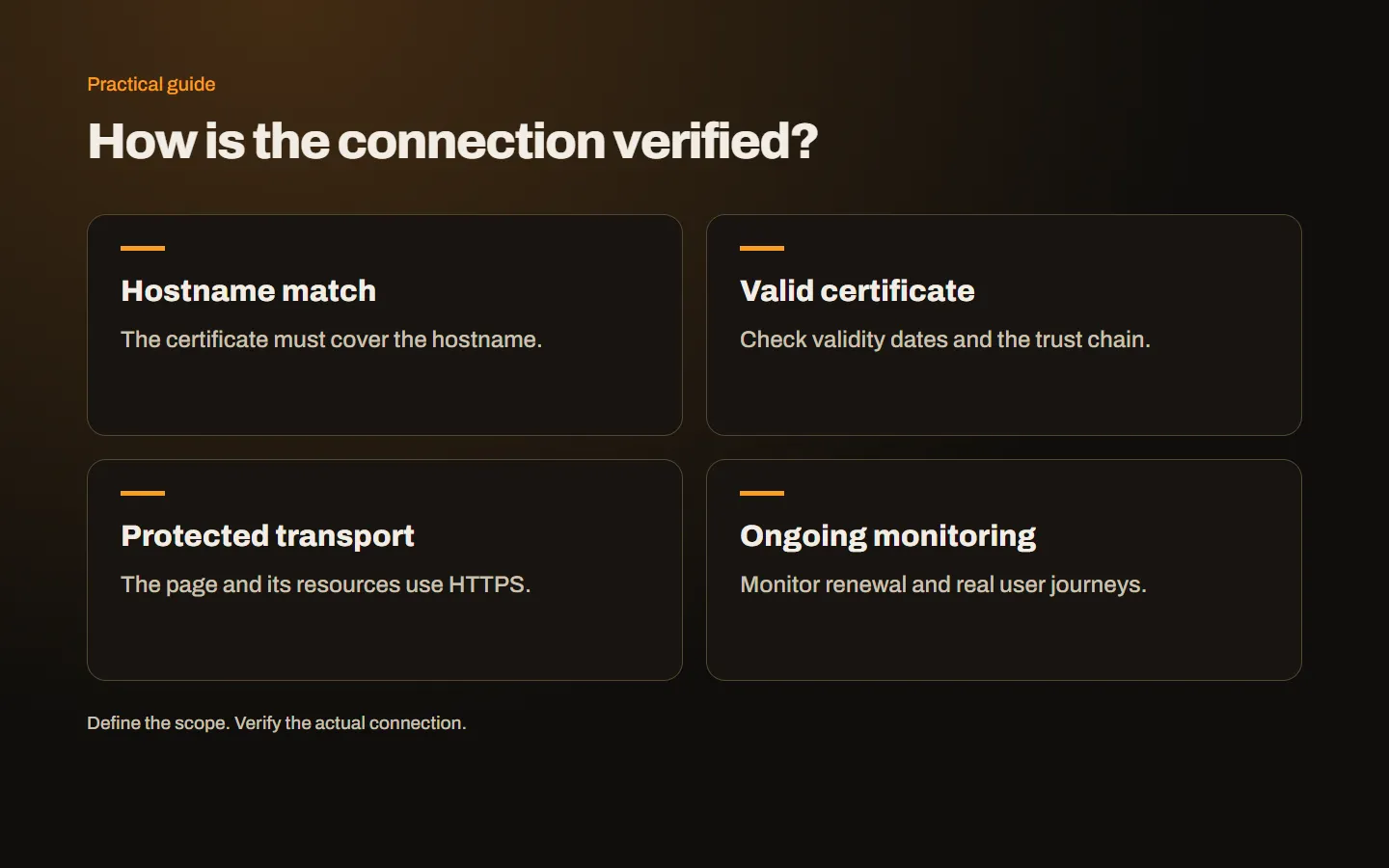
When a visitor opens an HTTPS URL, the server presents its certificate. The browser checks matters including the requested hostname, the validity period and the chain of trust. The server must also participate using the corresponding private key. If the checks fail, the visitor can encounter a warning before reaching the page.
For example, a certificate issued for a different domain will not become suitable merely because it is expensive. A certificate with the correct name can still fail after expiry. These are different faults requiring different fixes. Recording the exact hostname and warning message is much more useful than assuming that every connection problem requires a new certificate product.
What HTTPS protects
HTTPS protects information in transit against observation and alteration along the protected connection. This includes form submissions and page responses. It should cover the whole user journey, rather than only the final payment page. Account navigation and session handling also benefit from a consistent secure connection.
It does not provide complete anonymity. Observers may still learn information about connection destinations or timing. Nor does transport protection determine what happens after data reaches the application. A message sent securely can still be stored in an incorrectly exposed file. Treat transport security, application permissions and data storage as related but separate responsibilities when planning a website.
What a certificate cannot do
A certificate does not patch vulnerable plugins, strengthen an administrator password or remove malicious code. A dishonest website can also use HTTPS. The connection indicator should therefore not be presented as proof of a merchant’s honesty, product quality or delivery performance. Browser interfaces vary, so a particular icon or color is not a reliable purchasing criterion either.
Keep software updates, access restrictions, backups and incident handling in the maintenance plan. For instance, an application with a broken authorization rule can expose customer records even when every request uses HTTPS. Describing precisely what each control does helps a business spend appropriately and avoids promising that one certificate will solve every security problem.
Validation and coverage are different decisions
DV refers to domain control validation. OV adds organization identity validation. Wildcard describes hostname coverage, not a higher level of identity verification. Consequently, DV, OV and Wildcard should not be treated as small, medium and large versions of the same security grade.
A simple business website without an organization validation requirement may use DV. A project that needs verified organization details should consider OV. Several subdomains may justify Wildcard coverage, depending on how they are operated. Our certificate selection guide explains the decision order, while the Wildcard guide illustrates the limits of the star notation.
Inventory the actual hostnames
example.com, www.example.com and panel.example.com are distinct hostnames. Even when two of them display the same website, certificate coverage must match the name used for the initial HTTPS connection. A redirect does not remove that requirement because TLS validation happens before the browser receives the HTTP redirect response.
Include campaign URLs, customer portals, API endpoints and payment return addresses in the inventory. Ask where each service is hosted and who manages it. A certificate installed on the web server is not automatically deployed to a mail service running elsewhere. This practical list is often more useful than comparing product names before the architecture is understood.
Test more than the home page
Open the apex and www addresses, submit the contact form and test account access where available. Repeat important actions on a mobile browser. Images, fonts, embedded frames and application requests should all work over secure connections. An old article may contain an HTTP image even when the current home page is correct.
Ask the technical team to confirm hostname coverage, the certificate expiry and the renewal method. Keep a short acceptance record containing the tested URL, action, expected result and actual result. Do not include passwords or customer information. Our installation checklist provides a more complete sequence for this handover.
Is a free certificate sufficient?
A free DV certificate from a trusted authority can support genuine HTTPS when coverage and deployment are correct. Paying more does not automatically mean stronger encryption. Paid offerings may differ in identity validation, support, management tools or contractual terms. Ask what additional service is actually included before replacing an existing installation.
Managed hosting may already provide automatic certificates. Check which names are covered, who investigates renewal failures and what changes when the website moves to another platform. A free installation still needs ownership and monitoring. A paid purchase still needs correct deployment. The desired outcome is a visitor reaching the right service securely and consistently.
Record warnings in a useful way
Save the full URL, the time, the browser and the exact warning text. Redact private information before sharing a screenshot. If only one device is affected, check its clock and repeat the test elsewhere, but do not assume that this proves the server is correct. Chain problems can affect devices differently.
Certificate replacement normally does not require redesigning the website. A hosting migration or hostname change can introduce additional work, however. Identify whether the task is renewal, HTTPS migration or a full move so that the acceptance checks match the work. A clear scope also prevents application faults from remaining unresolved behind a vague statement that SSL has been installed.
Make ownership part of the handover
Document the hostnames, deployment points, renewal owner and alert channel. Keep private keys out of shared spreadsheets and routine messages. Review these records when staff or agencies change. For background, consult MDN’s TLS explanation. To plan design, development and launch together, explore our web design service or contact us with your current hostname list.