
An expired certificate can make an otherwise functioning website display a browser warning. Preventing that outcome takes more than a date in a calendar. Payment, validation, issuance, deployment and external verification need clear owners. A sound renewal process confirms that the actual service remains available with the intended certificate, rather than simply confirming an administrative transaction.
Separate the service term from certificate validity
The period purchased from a supplier may differ from the validity of the deployed certificate. A longer service package can include several issuances. An invoice anniversary is therefore not a sufficient technical expiry indicator. Read the validity of the certificate actually presented by the service, not just the commercial product entry in a panel.
Certificate lifetimes and provider procedures can change. Follow current product conditions and the deployed certificate’s real dates rather than copying a fixed yearly reminder indefinitely. Short-lived arrangements especially depend on reliable automation. Ask the technical team how renewal works and who responds to failure, instead of assuming that a multi-year purchase means no further issuance or installation is needed.
Create a practical inventory
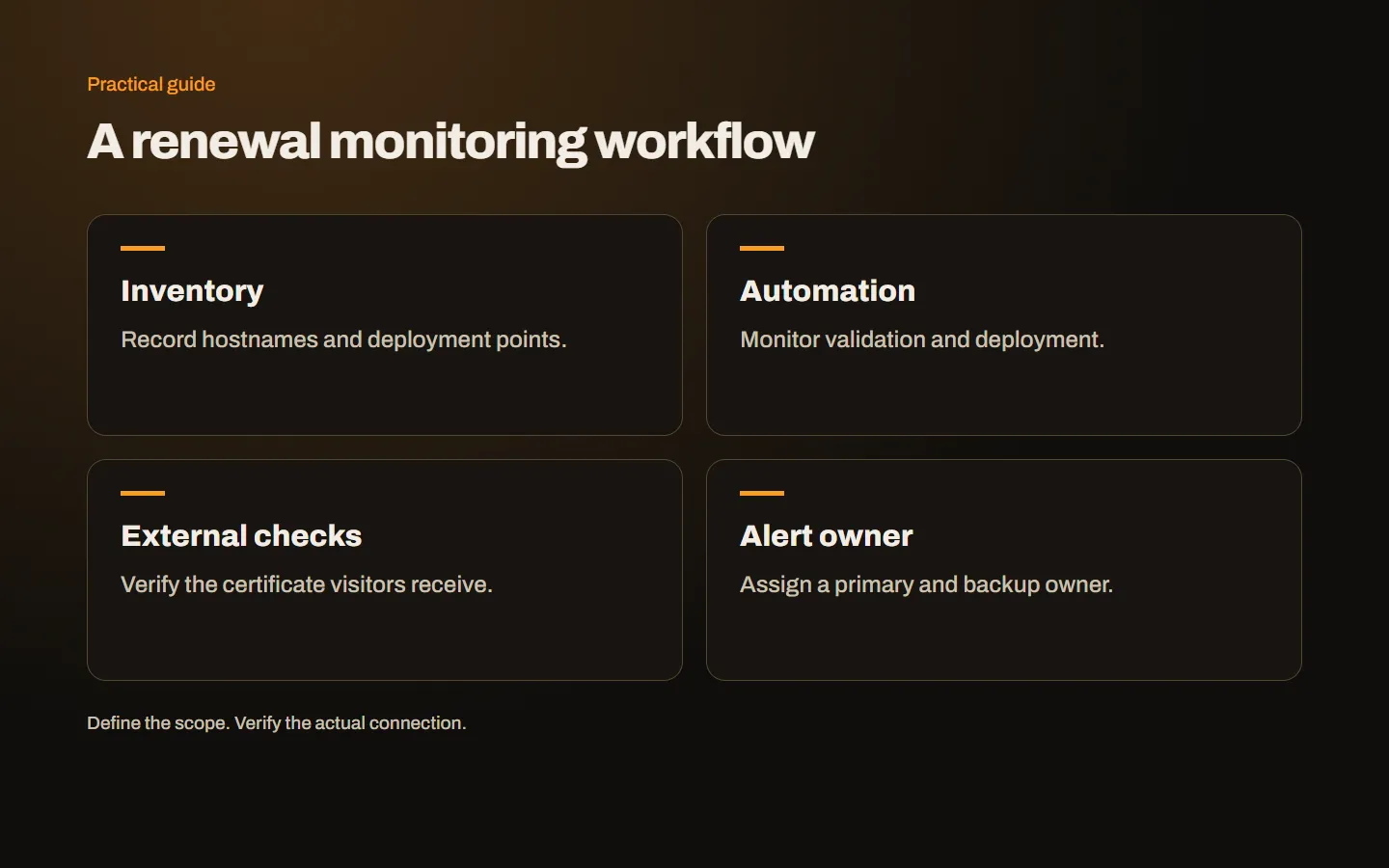
For every relevant hostname, record the service, deployment endpoint, certificate arrangement and technical owner. Include the apex, www, customer portal, API and any separately operated mail service. If one certificate is distributed to several servers, list the required destinations. Checking only the home page cannot verify an independent portal elsewhere.
Do not store passwords or private keys in this inventory. Record where authorized access is managed and who controls it. A note identifying the business DNS account and maintenance team can be enough to begin. Review personal-account dependencies when staff leave. A small organization can maintain this record without buying a complicated management platform; clear ownership matters more than the tool used.
Track distinct renewal stages
Commercial renewal keeps the service arrangement active where applicable. Validation and issuance produce the new certificate. Deployment places it on the required endpoints. External verification confirms what clients actually receive. Each stage needs appropriate evidence. A payment receipt cannot demonstrate all of them, and an issued document is not proof of deployment.
For example, the new certificate may be available in the supplier panel while the web server still presents an old file. Alternatively, one node behind a load balancer may have been missed. A precise completion record states which addresses were checked and when. This makes later diagnosis much easier than a single ambiguous status reading renewed.
Understand how automation fails
A scheduled task can stop, a validation path can be blocked or DNS API credentials can change. Moving DNS to another provider can leave the automation writing to an inactive zone. A proxy or firewall update may prevent a validation request from reaching the intended endpoint. Previous success does not guarantee that these dependencies remain intact.
The Let’s Encrypt integration guide highlights planning for changes in certificate infrastructure. Keep client software, account access and deployment steps within the maintenance plan. Investigate current errors rather than relying only on the last successful timestamp. Where a supported test or staging method is available, use it appropriately instead of repeatedly issuing production certificates without understanding provider limits.
Keep DNS validation access working
For an ACME Wildcard arrangement, DNS validation is a critical dependency. The automation must publish the necessary record in authoritative DNS. Revoked credentials, changed permissions or a provider migration can interrupt that step. A registrar change and a DNS hosting change are not necessarily the same event, so review the actual record management location.
Use suitably limited permissions and protect credentials. Do not paste secret values into a shared renewal table. After changing DNS providers, verify the replacement automation. Our Wildcard guide covers hostname scope and key distribution as well. Record the owner of validation access alongside the certificate owner so that an alert can be directed to someone able to resolve it.
Review organization information for OV
Legal names, addresses and authorized contacts may change between issuances. Previous approval should not be treated as permanent exemption from further checks. Consult the authority’s current rules and requested evidence. The technical owner and the person supplying organization information need a shared view of the open steps.
Use a monitored business channel and appoint a backup contact. A former employee’s mailbox should not be the only destination for verification requests. Allow time to answer questions rather than waiting until the live service is close to expiry. Our OV guide explains why identity preparation and server installation should be planned as distinct tasks.
Monitor the externally served certificate
An internal task can report success while visitors receive another certificate through a CDN, proxy or incorrect virtual host. An external check connects to the actual hostname and examines the served certificate. Combining internal renewal records with external observations helps reveal this mismatch.
Include critical services beyond the main domain and test that alerts reach the intended person. Excessive irrelevant notifications can hide actionable failures, so make each warning clear: affected address, observed problem and required owner. Certificate expiry and total service unavailability are different events. Monitoring should help the responder distinguish them rather than producing an unexplained generic failure message.
Accept the new deployment
Check hostname coverage, chain and actual expiry externally. Verify every required endpoint, then repeat important forms, account actions and payment returns where relevant. Configuration changes made during renewal can affect more than the certificate file. The fact that the home page opens is not a complete acceptance result.
The technical team can keep detailed file and service notes internally. The business handover should show tested addresses, results and ownership without secrets. Our installation checklist also applies after renewal. Keeping an old file in a backup location is not a reason to continue serving an expired document or using a key that should have been replaced.
Respond if a warning appears
First classify whether the fault is expiry, hostname mismatch, trust chain or something else. The authorized team should then issue and deploy the appropriate replacement. Asking visitors to bypass browser warnings is not a lasting remedy. If a temporary support channel is needed, use one that works without requesting sensitive customer information.
After restoration, review why the issue was not detected earlier. Did the task fail, the alert go nowhere or the responsible account disappear? Choose a concrete improvement such as a backup owner, external check or updated DNS access. Close the incident after that correction is recorded. Otherwise, the same hidden dependency can cause another interruption at the next issuance.
Make the maintenance agreement explicit
Replace vague wording such as SSL included with the monitored hostnames, deployment points and alert responsibilities. State what the business must supply and who covers absence. Keep the inventory current when adding services. Compare our SSL options, explore our web design and launch service, or contact us with the current renewal arrangement to clarify any ownership gaps.