
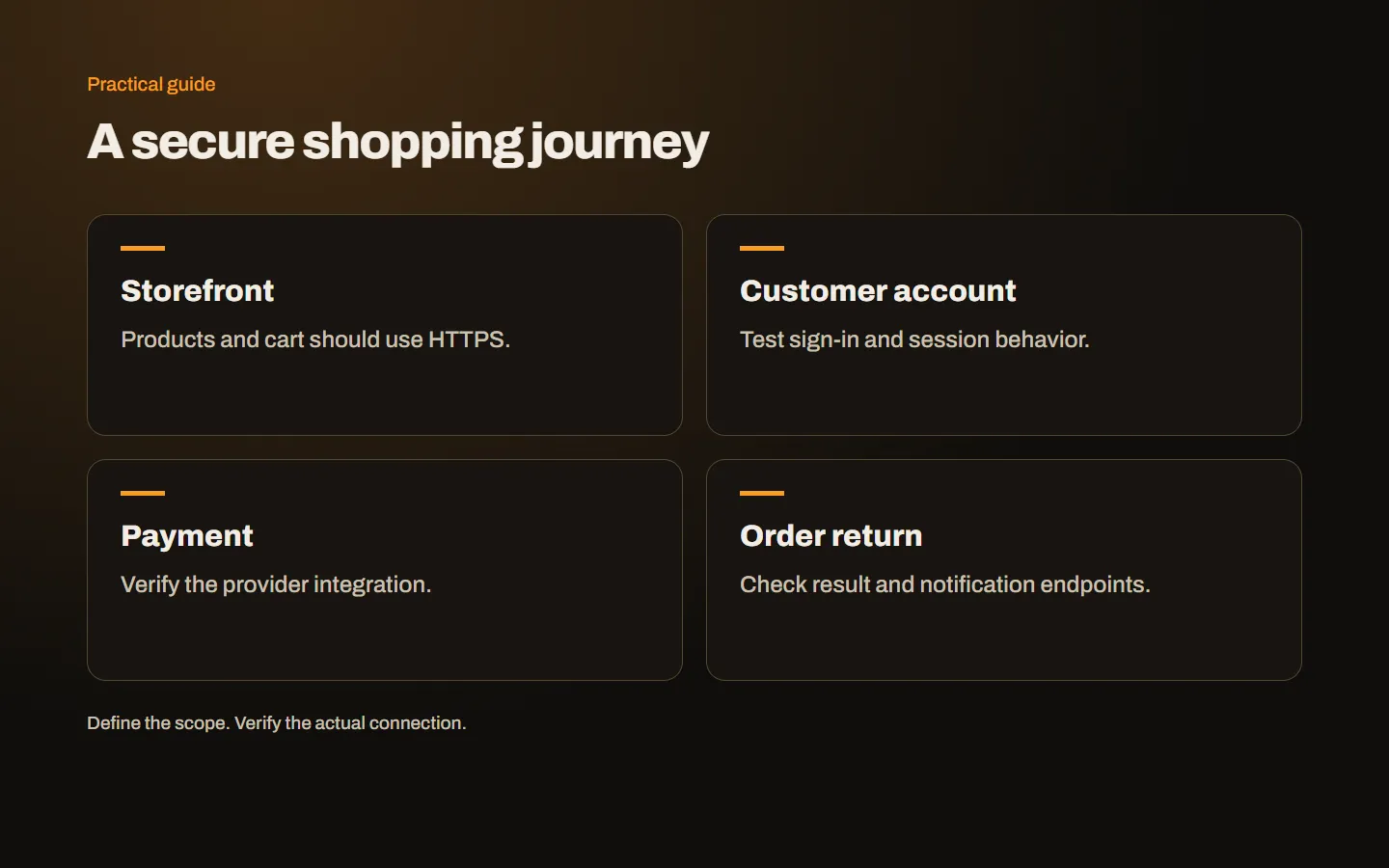
Customers pass through several systems when they browse a store, sign in, enter delivery information and make a payment. Securing only the final payment screen is insufficient. An SSL certificate is part of the connection foundation, but it belongs within a wider plan covering application behavior, payment integration and the complete shopping journey.
Protect the entire storefront
A product page may appear to request no personal information, yet the visitor can add items to a cart, sign in or move to an account page from it. A mixture of HTTP and HTTPS introduces inconsistent behavior. The page content itself also deserves protection against alteration in transit, not just the information typed into the final form.
Review home, category, product, cart, account and payment result pages together. Include old campaign entry URLs. If an advertisement first sends a visitor to an unsuitable address, the payment provider’s secure screen does not resolve the entire journey. Start at the initial public link and follow the customer through to a clearly confirmed order result.
Understand the protection boundary
HTTPS protects traffic between the browser and the endpoint terminating TLS. Account details, delivery information and page responses can travel within that channel. Database permissions, backup storage and subsequent processing remain separate responsibilities. A secure transfer does not prove that the receiving application stores information appropriately.
Likewise, malicious code already injected into a page can be delivered over HTTPS. Administrator protection, software updates and third-party code management still matter. Avoid telling customers that a certificate makes all information completely safe. Describe controls in terms of their actual function, and make sure the store owner knows which team maintains each part of the system.
Choose validation and coverage separately
Running a store does not, by itself, create a universal technical requirement for OV. DV validates domain control; OV adds organization identity validation. Wildcard describes coverage for matching subdomains. Assess the actual hostname inventory and any written requirements from the payment provider or business partners.
Confirm coverage for the apex and www, then add any distinct customer portal, API or administrative address. Our certificate selection guide explains the sequence. Review OV options where verified organization identity is required and Wildcard options where subdomain management justifies them. A higher-priced certificate does not independently create a safer application.
Draw the payment flow
Establish whether customers enter payment details on a redirected provider page, inside an embedded provider form or through another supported integration. Identify the success and failure return addresses and any server-to-server notification endpoint. These details tell you where certificate and application tests are needed, beyond the visible payment button.
For example, a provider screen may open correctly while the return to the store fails because of a certificate warning. A customer may have paid but be unable to see the result. Elsewhere, a notification can reach an old server and leave the order pending. These faults require coordinated investigation of URLs, server records, integration settings and order state rather than another certificate purchase.
Payment security extends beyond TLS
Where payment data is processed, which scripts run and how changes are controlled all need separate attention. Buying a certificate does not demonstrate compliance with every payment security requirement. Work with the provider on the actual integration scope instead of adding your own storage or handling of card data without a defined need.
PCI SSC’s explanation of payment page scripts illustrates why code executed in checkout has its own considerations. Consult the provider’s current integration documentation for your implementation. Analytics, chat widgets and tag management code should not be added indiscriminately to sensitive checkout pages without understanding why they are needed and what they can access.
Mixed content can stop a purchase
An HTTPS page calling an HTTP script or stylesheet may encounter blocked resources. The effect can be functional: cart calculations, address selectors or payment components may fail. Old product images and campaign integrations are also worth checking. A working home page does not establish that every product and checkout combination behaves correctly.
Inspect Console and Network records while performing the affected action. Confirm a valid HTTPS destination before updating the resource address. Do not move the store back to HTTP or ask customers to disable protections. The mixed content guide explains how to correct the source. After the fix, repeat the purchase sequence rather than merely reloading the page.
Check sign-in and session behavior
The technical team should review appropriate security properties for session cookies and their intended domain scope. Protocol or hostname changes can affect login persistence, cart behavior and cross-subdomain navigation. A correct certificate does not automatically correct the application’s session settings.
Test sign-in, sign-out and password reset links. Emails should point to the current secure URLs. If customers move between domains, define the intended session behavior before implementation. Avoid relaxing controls simply to hide an integration fault. Identify which cookie or application setting is responsible. Keep administrative access separate and appropriately restricted rather than treating it as just another customer account.
Test payment outcomes before launch
Use the provider’s supported test environment to exercise successful, rejected and abandoned payments. On mobile, verify the return page, cart state and final order status. Do not use real customer card information as test data. The absence of a certificate warning does not show that the order was recorded correctly in downstream systems.
Record the action and result: for example, payment succeeded, the return page opened and the order was created once. Understand delayed notifications and repeated customer attempts. The test plan should be reusable after certificate renewal, hostname changes or infrastructure migration. This makes maintenance acceptance more reliable than relying on someone remembering which checkout steps were important at launch.
Prepare for busy sales periods
Review certificate expiry and renewal before major campaigns. Monitor distinct API and notification endpoints as well as the public storefront. An edge certificate can renew while the origin remains outdated. Purchase confirmation and the externally served certificate describe different stages, so verify both the administrative process and the actual connection.
Our renewal guide covers ownership and alerts. Update contact addresses, DNS access and supplier accounts when staff change. The support team should distinguish a browser connection warning from a bank rejection or a pending order. Ask customers only for the necessary page, time and message; never request their password, card security code or full card details through ordinary messages.
Complete the customer experience
Check transaction records before encouraging a customer to pay again. HTTPS working does not itself prove settlement, and returning from a bank screen does not itself prove correct order handling. Clear product information, delivery terms and accessible support complement the technical controls. Our product page checklist helps review that wider experience. Explore our e-commerce service or contact us with your store and payment flow to plan the checks together.