The phone rings while you are busy with a client; a missed call can be a lost appointment. An online appointment system is a website where the customer sees free slots and picks one, and the booking drops into your calendar by itself. It suits any business that works by the hour: barbers, hairdressers, beauty salons, clinics, dietitians, consultants.
What changes with online booking?
- Bookings happen outside opening hours. Customers book in the evening or at the weekend while you are closed.
- Double bookings end. Busy slots are not shown, so no two people get the same time.
- Phone load drops. The answer to “Is there room on Saturday?” lives on the site.
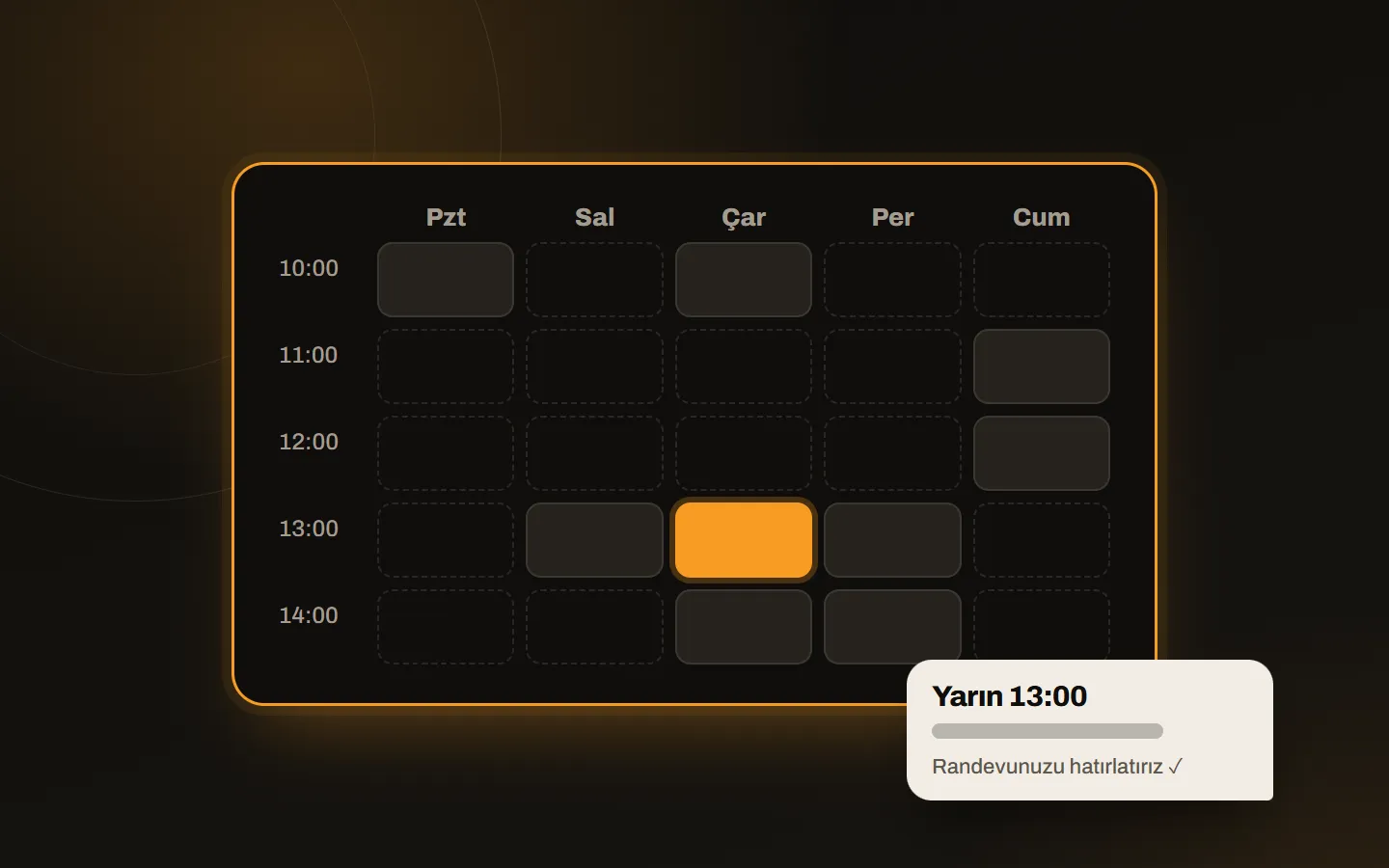
- Reminders reduce no-shows. A message before the appointment cuts forgotten bookings.
- Numbers become visible. Which service, which day, which staff member is busiest; information that is hard to keep in a notebook sits in the panel.
What a good appointment system includes
- A calendar per staff member: each person has their own hours, days off and services.
- Service durations: a haircut and a colour do not take the same half hour; duration should depend on the service.
- Confirmation and reminders: a confirmation after booking, a reminder as the day approaches. In Turkey WhatsApp works best for this.
- Mobile fit: most customers book on a phone; calendar and time selection must be easy with a finger.
- An admin panel: adding, moving and cancelling appointments and seeing the daily list should be easy.
- Records: customer history, services and revenue in one place.
Five questions to ask when choosing
Whose business does the system serve? Some services take bookings on an intermediary platform’s page, and the customer becomes the platform’s customer, not yours. A site on your own domain under your brand ties the customer to you.
Is there a monthly fee or a per-booking commission? Find out up front whether costs grow as bookings grow.
Which channel do reminders use? Sending from your own WhatsApp line means customers see the message from a number they recognise.
Who owns the customer data? The customer list should be yours and exportable. A privacy notice (KVKK) should be on the site.
Can search engines find the site? The booking page is not only a form, it is your business’s website. To appear for searches like “barber appointment near me”, describe your services, address and hours in text; we explain the same logic in our local SEO post.
Common mistakes
- Entering one duration for every service; the calendar becomes unreliable.
- Making cancellation hard; customers simply do not turn up without calling.
- Leaving photos, price list and location off the site.
- Running the old phone and notebook alongside the new system; two calendars collide.
Our approach
Our own 1randevu works this way: it gives you a site fully your own on your own domain and combines staff calendars, WhatsApp notifications, daily statistics, accounting and stock tracking in one panel. For examples of businesses using it, see Salon Emre and Must! Barbershop. Our other work in health and beauty is on the industry page.
If you want to grow customer contact over WhatsApp, setting up a WhatsApp sales CRM is also useful.
Tell us what kind of booking flow your business needs and we will build the system around it.