
In most businesses that sell on WhatsApp the process is the same: the message lands on a phone, someone replies, the customer’s name is noted somewhere else, the offer sits in a separate file. A week later, when someone asks “what happened to that customer?”, nobody knows. The five steps below move that flow into a CRM. We use Kommo for the examples; the logic is similar in any message-based CRM.
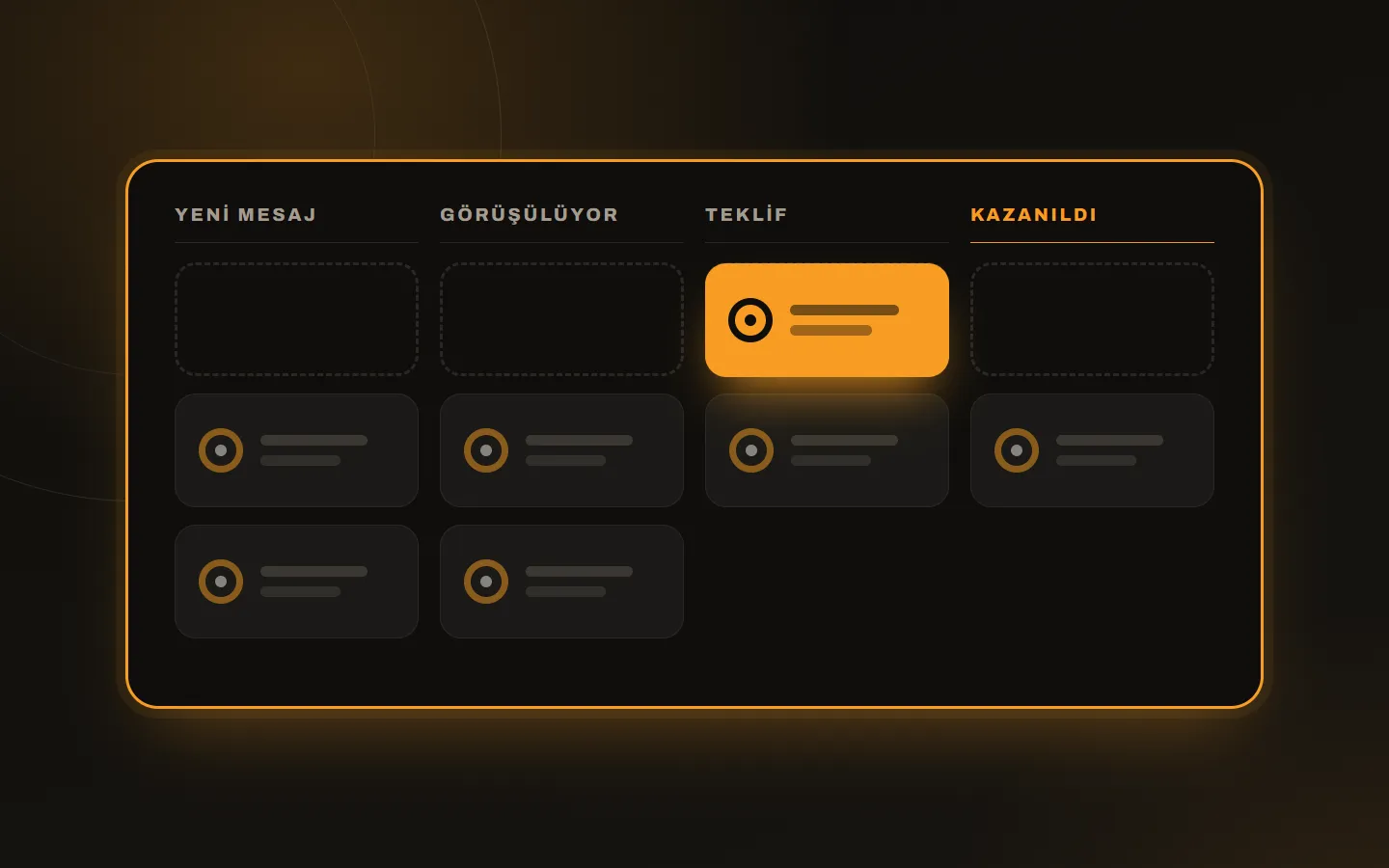
1. Draw the current flow first
Before setup, write this on paper: where do customers write, who sees the first message, at what point is a price given, at which stage is a sale “won”. The real flow in most businesses is shorter than expected; three or five stages are enough.
A sample villa rental flow: new message, dates and guests received, offer sent, deposit, booking confirmed. Keep the stages simple; adding later is easier than building a crowded pipeline up front.
2. Connect the message channels
For a CRM to work, every channel your customer writes on has to come in: WhatsApp, Instagram Direct, Messenger. You connect WhatsApp through the official API; we choose together during setup which connection method (Business API or Cloud API) suits you.
Two things to watch at this step:
- Connect the numbers and accounts customers already write to; do not make them learn a new number.
- Decide up front who on the team sees which channel. Everyone seeing everything creates confusion.
3. Build the sales pipeline
Create the stages from step one as a pipeline in the CRM. Add two things to each stage:
- A task that opens when a deal enters the stage (for example “Offer sent → call in 2 days”).
- An exit criterion (for example “deposit received”).
That way no deal sits in “waiting” and gets forgotten. If you have several products or branches, you can open a separate pipeline for each.
4. Add the welcome bot and assignment
The speed of the first reply decides the sale, but nobody has to sit at the phone 24/7. A bot can:
- Say hello and ask the first question (dates, product, budget).
- Send a “we will get back to you tomorrow morning” message outside working hours.
- Route the customer to the right salesperson based on the answer and open a deal in the pipeline.
- Answer frequent questions with a ready template.
Let the bot make clear that it is a bot, and let the customer reach a human at any moment. That builds trust and prevents wrong routing.
5. Move your history, get the team started
If your old customer list is in Excel or a phone book, import it as CSV. Before importing, merge duplicates and bring phone numbers to a single format. Starting with clean records is the most important step for trustworthy reports later.
Three rules are enough for the first week: every conversation is answered from the CRM, every conversation is tied to a stage, and won and lost deals get a short note. When you read the loss reasons together after two weeks, you learn something concrete about your pricing and follow-up time.
Common mistakes
- Too many stages: the team stops updating them.
- A long, robotic bot: the first reply should be short and human.
- Importing old records without cleaning: the CRM starts dirty.
- A pipeline without tasks: deals move, but nobody calls.
Should we do the setup?
Opening an account is easy; fitting it to your business takes time. At Kariha we provide the Kommo licence and set up the account, channels, pipeline, bots and data migration around your workflow. We explained what Kommo is and how it differs from a classic CRM in what is Kommo. If you like, we can connect your website’s enquiry forms to the same pipeline; for a custom connection, see our custom software service. You can see plans and prices on the Kommo CRM page and get in touch with questions.