
You have rented a server, or you are about to. Managing sites, mailboxes and databases from the command line is not always necessary, and often not wise. A hosting control panel does that job. DirectAdmin is one of the light, clean ones. This post explains what it is, what it does and who it suits.
What is DirectAdmin?
DirectAdmin is a commercial hosting control panel for Linux servers that manages websites, domains, email accounts, databases and SSL certificates from a web interface. You log in from the browser on the server’s port 2222. The license is paid and tied to the server’s IP address.
The panel’s purpose is simple: reduce the repetitive jobs of server management (opening accounts, adding domains, creating mailboxes, taking backups) to a few clicks.
Three levels: user, reseller, admin
One DirectAdmin installation offers three separate interfaces:
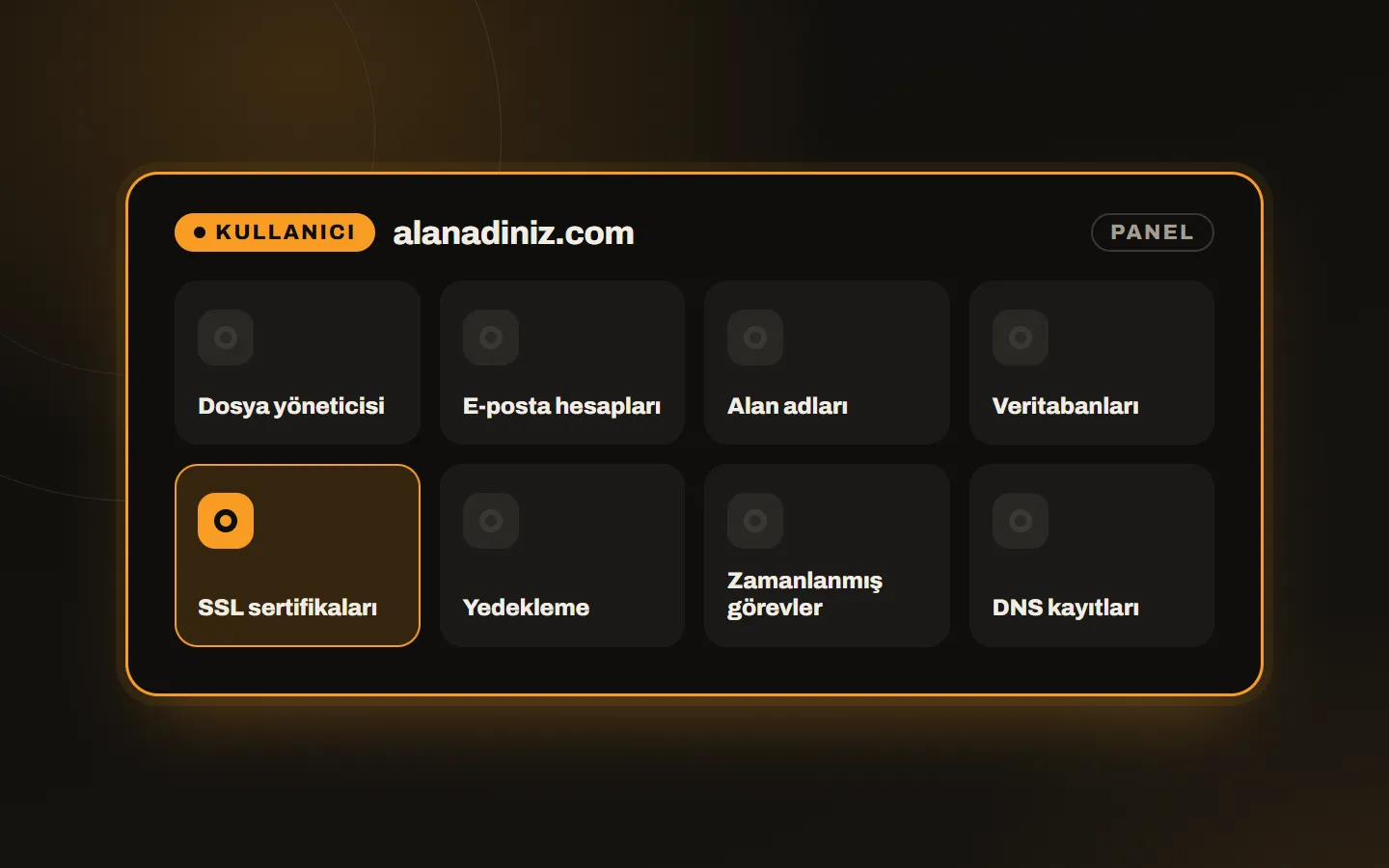
- User: the site owner’s panel. Files, email, databases, SSL, DNS and backups live here.
- Reseller: the panel of someone who opens accounts for their own customers. They define packages, set quotas and watch customer accounts.
- Admin: the server owner’s panel. It manages all accounts, resellers, services and updates.
This structure lets you use the same server safely for your own sites and for customers. Each customer sees only their own account.
What can you do?
- Add domains, subdomains and parked domains
- Create email accounts, forwarders and auto-responders
- Open and manage MariaDB/MySQL databases
- Get a free SSL certificate from the panel (see the SSL and backups guide)
- Create and restore backups
- Edit DNS records
- Define scheduled tasks (cron)
- Use FTP accounts and a file manager
Why is it called light?
DirectAdmin stands out for using few server resources. The panel itself takes a small share of RAM and CPU, which leaves more for your sites, databases and email. It runs comfortably even on a small VPS, which makes a difference on tight budgets.
The interface is clean too. Menus are few and screens are clear; even a site owner with limited technical knowledge finds what they need on day one.
Who is it for?
One project, one server. For developers and businesses that publish their own sites on their own VPS, the panel eases jobs like SSL and backups.
Agencies and small hosting firms. Those who gather client sites on one server can give each client their own panel and quota.
Hosting resellers. Those who want to build their own hosting service manage accounts and packages from the panel through the reseller level.
What to watch for
- Server requirements: DirectAdmin needs a supported Linux distribution (such as AlmaLinux, Rocky Linux, Debian or Ubuntu). It does not run on Windows servers.
- Clean install: The panel installs without trouble on a fresh system with no other web server or panel on it.
- License: The panel is not free; each server needs a license. For plan choice, see how to get a DirectAdmin license.
- Another panel? To compare alternatives, read cPanel or DirectAdmin.
How to get started
First choose the server (cloud server, VPS or dedicated does not matter), then get the license and install the panel. Installation commands and what to watch for are explained step by step in the DirectAdmin VPS installation guide.
You can also skip all of it: with our DirectAdmin license plans, we do the installation for free. For broader support on the server side, see our hosting and infrastructure service.
In short
DirectAdmin is a light panel that simplifies server management. It scales from one site to hundreds of accounts and gives the site owner, the reseller and the admin a separate screen each. If you would like to talk about which plan suits you or how installation on your server works, write to us.