
DirectAdmin is not a free panel: every server needs a license. Getting one is easy; the real question is which plan to choose. The wrong plan either runs out early or costs more than it should. This post explains how the process works and how to decide on a plan.
What is a license tied to?
A DirectAdmin license is tied to the server, more precisely to the server’s IP address. One license runs on one server. The difference between plans is not in the panel’s features but in the number of accounts and domains you can manage. So whichever plan you take, you get the same panel, the same updates and the same technical support.
Plans
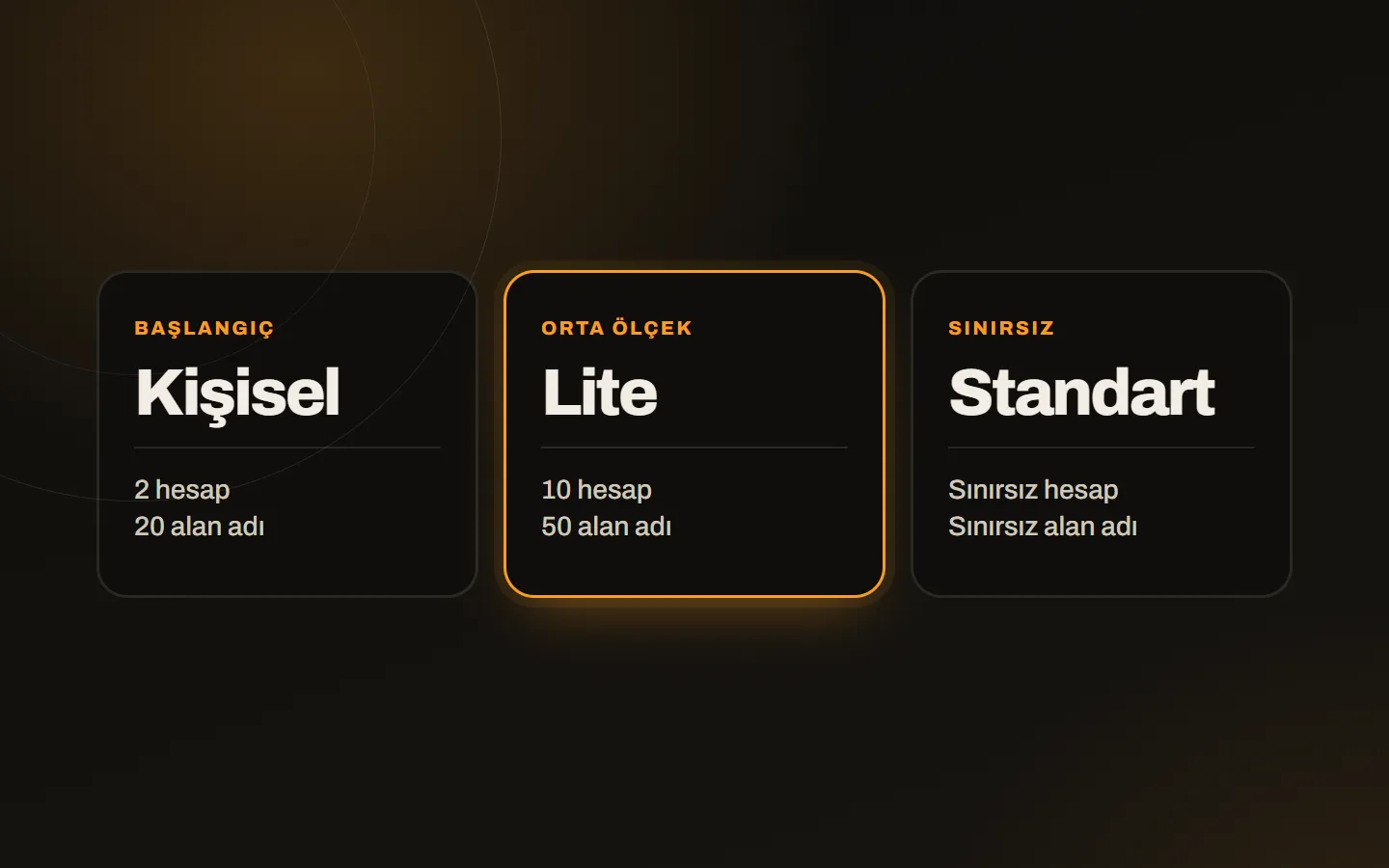
| Plan | Accounts | Domains | Who it is for |
|---|---|---|---|
| Personal | 2 | 20 | One person or small business publishing a few of its own sites |
| Lite | 10 | 50 | An agency or freelancer gathering client sites on one server |
| Standard | Unlimited | Unlimited | Hosting resellers and those hosting many accounts |
You can see current prices on the DirectAdmin license page. Licenses are sold monthly; prices show in Turkish lira, dollars, euros and pounds depending on the currency.
How to choose the right plan
Look at three questions:
- How many accounts will you open? In DirectAdmin each customer or independent site owner is an account. An account can hold more than one domain; the plan’s domain limit is the total of those.
- How many domains will you host? Count your domains (parked ones included) and compare against the plan’s limit.
- What growth do you expect? If you know your account count will rise within the next year, starting one plan higher saves the hassle of switching.
A short rule: Personal if you publish your own sites, Lite if you serve a few clients, Standard if you are building a hosting business.
Steps to buy
- Choose the plan, add it to the cart and complete the order.
- Because the license is tied to your server’s IP address, send your IP address and access details with a support ticket.
- We do the installation of the panel for free; it usually takes 15 to 30 minutes.
- When installation is done, you get your panel login.
If you do not have a server yet, or do not know which to choose, write about your needs first and we will settle it together.
Changing plans
When your needs grow, moving the license to a higher plan is possible; you only need to write to us. If you want to move to a smaller plan, your account and domain counts need to fit within that plan’s limits.
Common mistakes
- Forgetting an IP change: if the server’s IP changes, the license has to be updated too; otherwise the panel stops working.
- Exceeding the plan limit: putting off a move to a higher plan as you near the account or domain limit leaves you unable to open new accounts.
- Wrong operating system: DirectAdmin needs a supported Linux distribution; it does not install on Windows.
Next step
If you are still sizing up the panel, read what is DirectAdmin; if you are comparing with cPanel, see cPanel or DirectAdmin. You can see how installation is done on the server in the VPS installation guide. If you are unsure which plan suits you, write to us and we will choose together.