
Changing hosting involves more than copying files. Enquiries, orders, email and scheduled jobs can all depend on the old environment. Reduce the risk of interruption and missing data by identifying those services, testing the destination and agreeing on the final cutover.
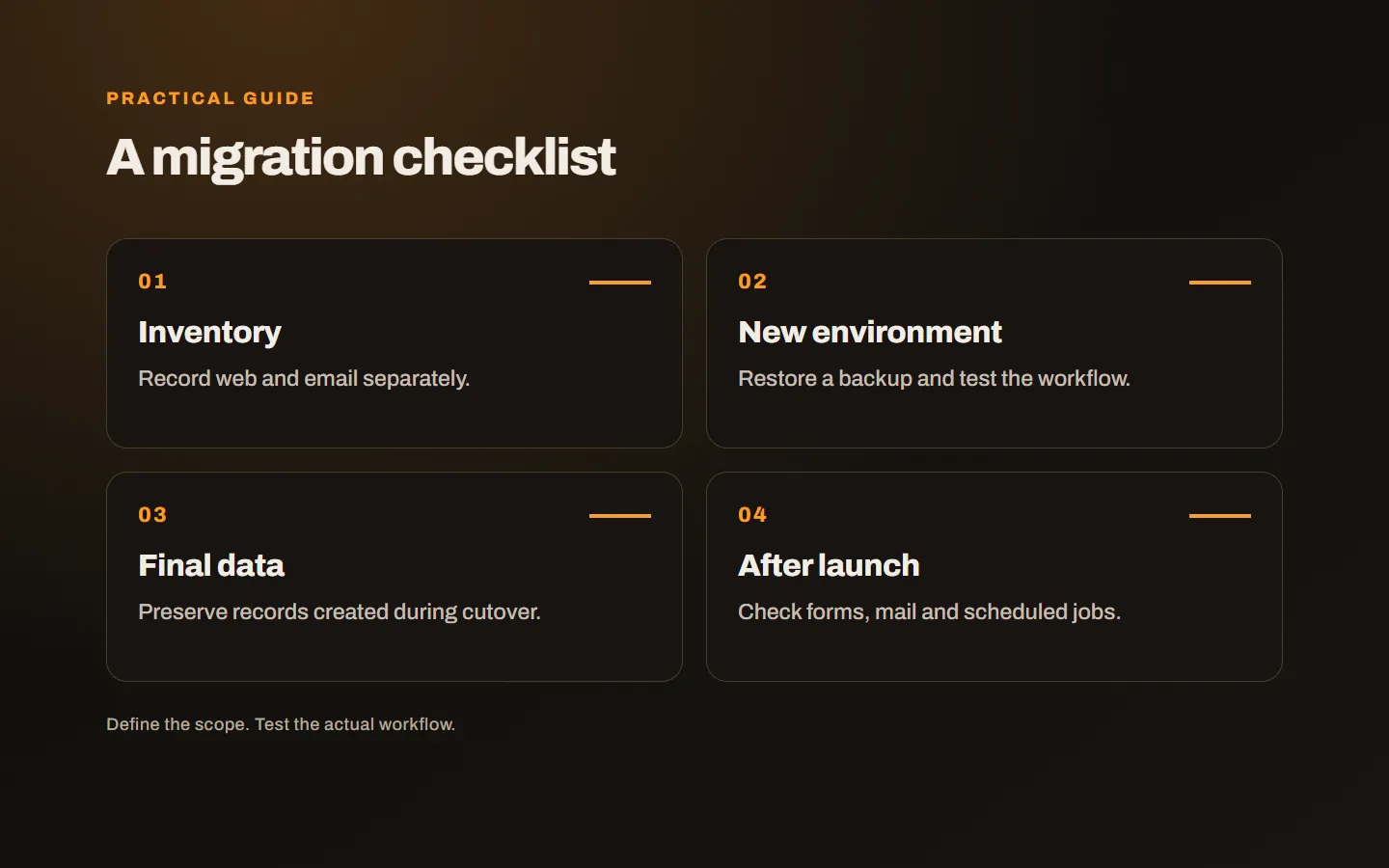
Inventory the services separately
Domain registration, DNS, web hosting and email may come from one supplier, but they remain separate services. Moving the website does not necessarily require transferring the domain. If email stays elsewhere, the new hosting account’s default mail settings may be inappropriate.
List files, databases, uploaded media, subdomains and redirects. Include less visible tasks such as form delivery, payment callbacks and scheduled processing. A working homepage does not prove those processes have survived the move.
Identify the people with the required access. Arrange secure sharing where needed instead of distributing credentials in ordinary notes. The objective is sufficient authorised access for the migration.
Back up and test restoration
A file archive may omit database records, while a database backup may omit images and environment configuration. Establish which parts make up the application and preserve the corresponding versions together.
Restore the backup in a suitable test environment. Confirm records can be read, accounts work and media is available. A backup existing somewhere does not establish that recovery will succeed.
Agree how long the previous environment remains accessible. Closing it immediately reduces diagnostic and recovery options, but keeping it indefinitely is not a defined retention plan either.
Test before changing public DNS
The technical team can choose a preview or address-mapping method appropriate to the application. The aim is to inspect the new environment before sending all visitors there.
Check runtime requirements, extensions, permissions, configuration and external service access. The same control panel does not mean the underlying environments are identical.
Test login, uploads, search, forms and relevant checkout journeys. Use the payment provider’s appropriate testing arrangements. If a genuine transaction is required, follow the business’s defined procedure rather than creating uncontrolled orders.
Give email its own plan
If email remains with the current provider, preserve the relevant DNS records. Configure website notifications consistently with that arrangement. A page loading over HTTPS does not demonstrate that outgoing mail is being delivered.
If mail is moving too, inventory mailboxes, aliases, forwarding and historical messages. Explain what users must change on phones and computers. Creating a new mailbox does not automatically transfer its old contents.
Test from an external account and reply back. Include shared inboxes, forwarding addresses and form notifications. Internal mail alone may not reveal every problem.
Protect records created during the move
A brochure site differs from a store accepting orders throughout the migration. New orders and stock movements can appear after the first copy. Decide how those changes reach the destination before switching traffic.
The application may need a short write pause, final synchronisation or another suitable method. Make clear which actions remain available during that period. Do not promise a seamless transition without validating the data flow.
Recovery needs the same attention. Returning to an old copy after taking orders on the new environment can lose those orders. Keeping the old server available is not, by itself, a complete data recovery plan.
Identify the DNS changes precisely
Save the current zone and mark the records that need to change. Distinguish website addresses from mail settings. If name servers change, verify that the new zone includes every required record before delegation changes.
DNS caches mean users may not all reach the new environment simultaneously. A TTL plan can help manage the transition, but cannot guarantee one instant across every network. Define how both environments handle writes during that interval.
Verify certificates and HTTPS redirects, including used subdomains and the www equivalent where relevant. Keeping the same domain does not automatically configure the new server correctly.
Write down the cutover owner, the person checking each critical task and the conditions that trigger recovery. Include a way for the business to report problems during the move. A short, explicit plan is easier to follow under pressure than a set of assumptions spread across separate conversations, especially when the website and email have different service providers.
Monitor completed tasks after launch
Check important pages, enquiry channels, error records and scheduled tasks. Monitoring should establish that work completes, not only that a server answers a request. Confirm new records are created in the intended system and notifications reach their owners.
If URLs also change, include content mapping and redirects. Our redesign and search visibility guide covers that additional scope. A hosting move that preserves addresses does not require unrelated URL changes.
Our hosting and infrastructure service plans the website and email dependencies together. Describe your current system and the services you want to move, and we can define testing, final data transfer and recovery steps.