
Your advertisement can be ready while its destination still leaves important questions unanswered. Account settings cannot compensate for a visitor misunderstanding the service or being unable to submit a form. Before launch, test the page through an actual enquiry and agree who will follow it up.
Define the need and the next action
Start with the service the campaign promotes and the action you expect. Someone seeking a company website has different questions from someone connecting an existing application to accounting software. A general page listing every service can force both visitors to search again for their own requirement.
You do not necessarily need a separate page for every campaign. An existing service page can work when it clearly meets the advertisement’s promise. Creating another address does not automatically create a more relevant experience. Avoid multiplying the same vague text across several destinations.
Write the purpose in one sentence: a visitor should understand that you can improve their dealer ordering process and request a discussion describing the current workflow. Use that sentence to judge which sections belong on the page. Each element should contribute to the intended decision.
Check that the advertisement’s promise appears
If the advertisement promotes maintenance, installation or a particular product, the page should make that subject clear. A link hidden in a large menu is not the same as an answer. Review the headline, introduction and service scope together with the advertisement.
Google’s advertisement and landing page guidance recommends relevant, useful destinations. The practical task is to verify the promise before launch. A new layout or longer description does not, by itself, guarantee commercial results.
Confirm any statements about delivery, price or scope. A condition that applies to some projects should not become an unrestricted promise. A persuasive advertisement that needs to be corrected in every sales conversation is unlikely to support suitable enquiries consistently.
Include information needed for the decision
The page need not summarise the entire company. Explain who the service suits, what it delivers, what the customer supplies and how work proceeds. Those answers provide a useful structure before adding decorative sections.
Use references in context. State what you contributed to a project and why it relates to the advertised service. A project from a similar industry may still address a different need. If no suitable example exists, explain the working method rather than inventing a customer result or a success rate.
For individually quoted work, explain factors affecting scope. Integration, content volume, user roles and data migration can help visitors understand the conversation they are about to start. Not publishing a fixed price need not mean leaving every budget consideration unexplained.
Keep the main enquiry route understandable
Telephone, messaging and a form can coexist. The visitor should still know which action the page recommends and what happens afterwards. Avoid asking for a different primary task in every section when the campaign has one purpose.
Ask for information needed for an initial assessment. Alongside contact details, a short description of the requirement may be useful. A detailed technical specification is not always necessary before the first conversation. Assess each question by the decision it supports, rather than simply maximising or minimising the number of fields.
Try the error states as well. Missing information, an invalid email address or a connection problem should lead to a clear next step. Previous answers should remain available for correction. A successful submission should not leave someone unsure whether they need to send it again.
Submit an enquiry on a phone
Open the exact destination you plan to advertise. Check whether overlays, consent controls or fixed messaging buttons cover the form. Try the keyboard, field selection and action buttons. A desktop design review does not establish that these interactions work on a phone.
Watch for movement as large images arrive. A button shifting just as someone tries to press it makes the journey harder. Readability and loading behaviour matter together. Confirm the test notification reaches its intended owner, not merely that the page displays a success message.
Distinguish interactions from real outcomes
A button click, opening a form and delivering an enquiry are separate events. Agree which one the report counts. Calls and messages may not all be attributable automatically; understanding that limitation prevents inflated interpretations.
Compare a test submission with both the measurement record and the business inbox. Correct duplicate events or missing success records before judging campaign performance. Incomplete measurement makes confident conclusions difficult, even when the account dashboard appears detailed.
Keep a short launch note with the tested address, device, recipient and observed event. When the form or page changes, that note shows which checks to repeat and who owns them. Approval of the advertisement alone is not evidence that the destination is operationally ready.
Use a final launch checklist
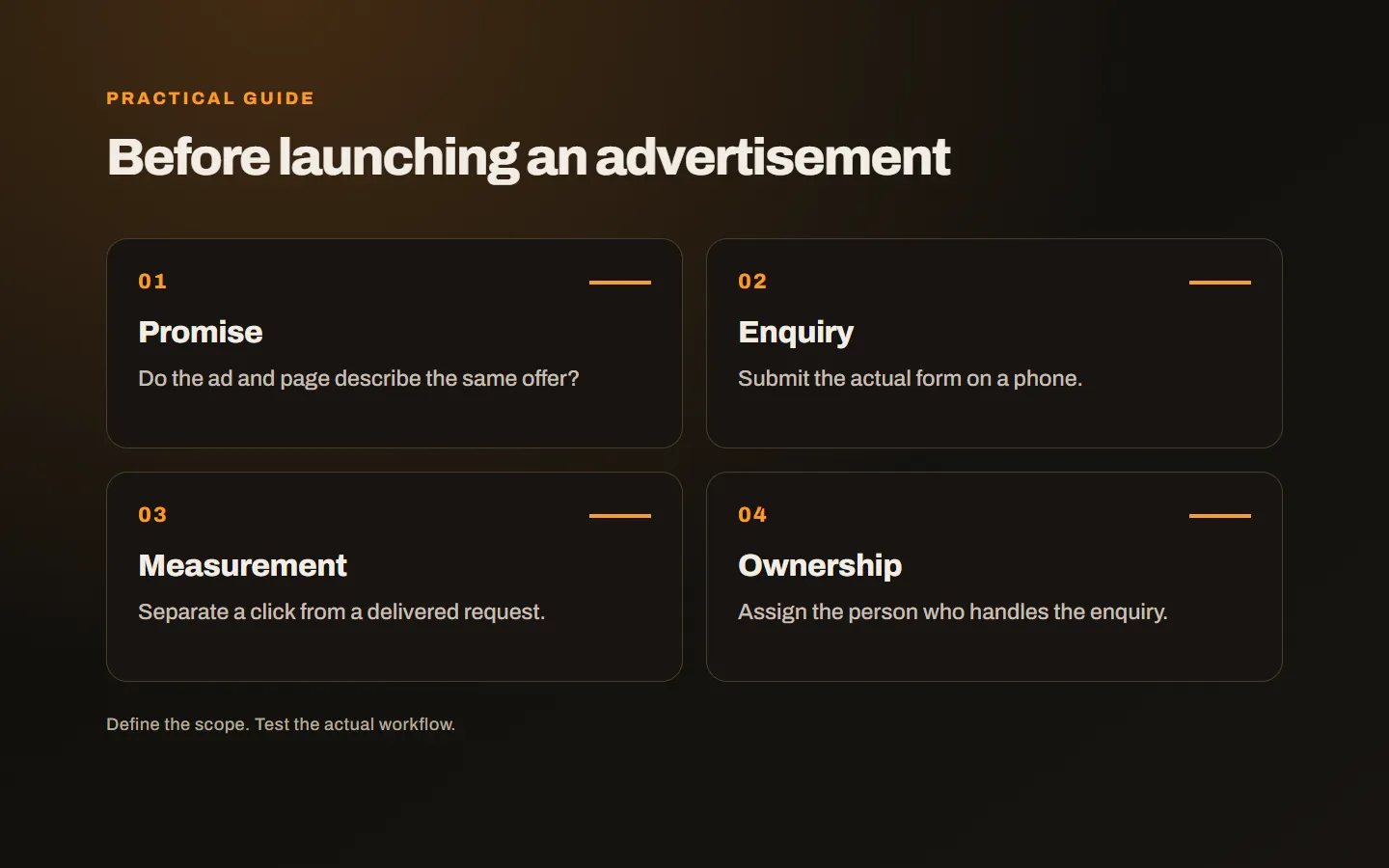
- The opening section answers the advertised need.
- Scope and customer responsibilities are clear.
- References or methods provide verifiable information.
- The mobile enquiry arrives with the right person.
- Measurement separates a click from a delivered enquiry.
- A responsible person owns the response and follow-up.
Our guide to reading SEO reports against business goals also explains the distinction between activity, visits and suitable enquiries. Our SEO and Google Ads service evaluates the destination with the campaign objective. Share the service you want to promote and your existing page, and we can identify what needs to be ready before launch.