
A proposal arriving in spam and a website form producing no notification are different problems. The first involves delivery and classification; the second may involve the application’s sending path. Before looking for a fix, identify the message, its source and the recipient affected.
Establish what happened to a specific message
Mail sent by an employee, a website notification and a promotional campaign can use different systems. Sharing a domain does not mean they share sending infrastructure. One route can work while another fails.
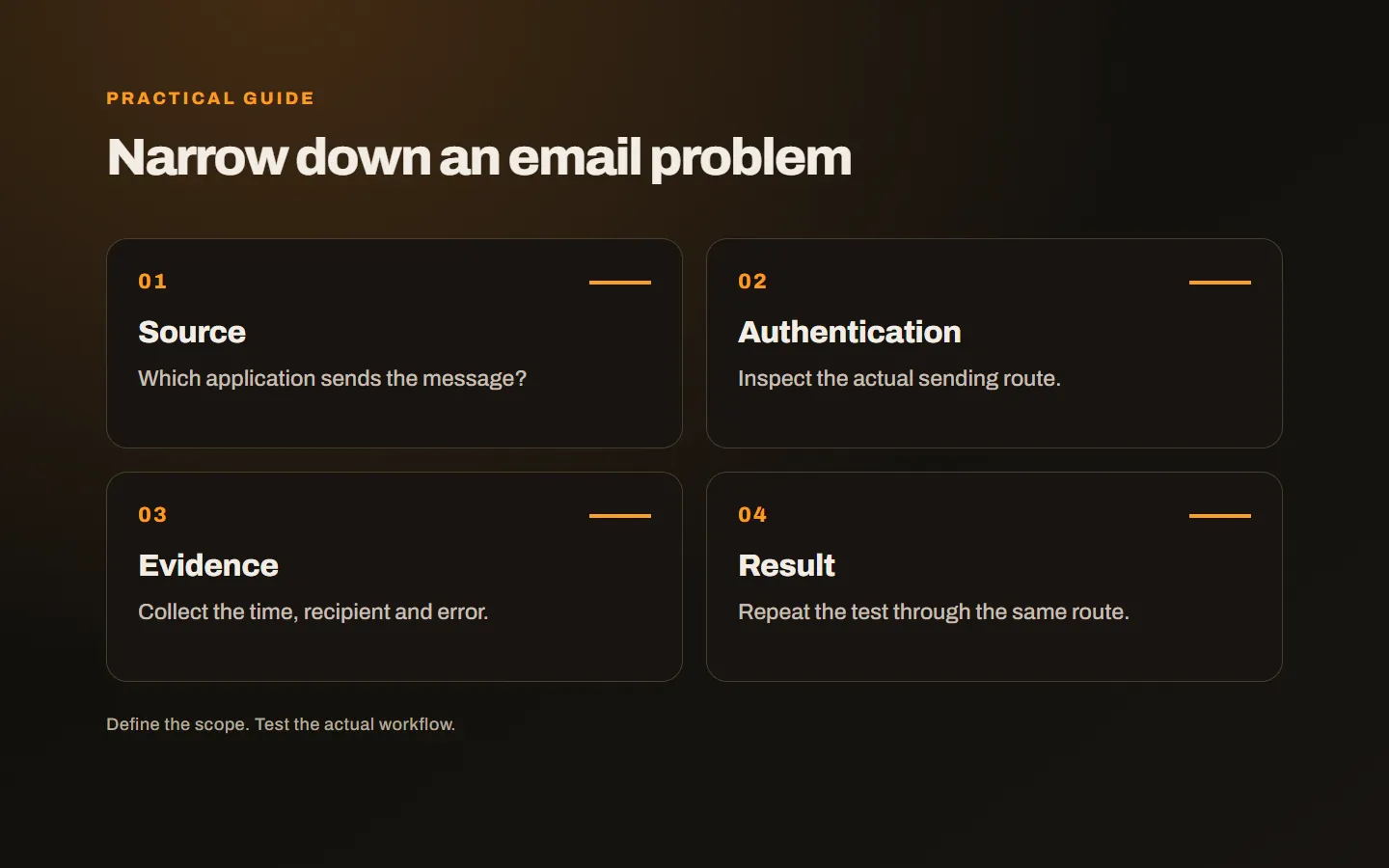
Choose an example and record the time, recipient, sender address and application. Did the message leave the outbox? Was there a delivery failure notice? Did the recipient actually find it in spam? Those details make a broad complaint about missing mail actionable.
Check whether the problem affects all recipients or one provider. An individual’s local rule can look like a general infrastructure fault. A repeated pattern across several external recipients may need a wider investigation. Start with real examples rather than changing every setting at once.
Inventory the systems sending under your domain
Alongside mailboxes, your CRM, invoicing tool, reservation system and website may send messages. List each service and the address it uses. A recently added application may not be included in the domain’s existing setup.
Review provider instructions together so a change for one sender does not break another. Randomly adding DNS text or removing a working record without examining it is not a sound diagnostic process. Multiple sending sources need a coordinated configuration plan.
If one person manages DNS and another installs the application, clarify ownership. A completed setup indicator needs to refer to the correct domain and sender. Otherwise an apparently finished configuration may not cover the messages causing the problem.
Understand what authentication checks contribute
SPF identifies authorised sending sources, DKIM supports signature verification and DMARC relates authentication to the visible sender domain and its policy. They are distinct controls rather than interchangeable badges. Their configuration needs to reflect the systems actually sending mail.
Google’s email sender guidance describes requirements for personal Gmail recipients. Requirements can differ with sending behaviour. Existing records alone do not guarantee inbox placement; inspect how the affected message was sent.
The full message headers can help a technical team investigate. The visible sender name alone is insufficient. Share evidence through an appropriate channel and remove unnecessary customer information. Ask support which fields they need before forwarding extensive correspondence.
Review the website form’s sender arrangement
Using the form visitor’s address directly as the sender can create an authentication mismatch. A common arrangement to evaluate is an authorised site address as sender, with the visitor in the appropriate reply field. Confirm the exact setup against the mail service and application’s documentation.
Check application records as well as mail delivery. The form record might exist even though the notification task failed. A success message on the website does not establish that the business received the email. For important enquiries, an appropriate management record may provide another way to see submissions.
Investigate repeated notifications too. The objective is reliable delivery of the correct record, not sending more copies under every condition. Duplicate messages can make the underlying fault harder to recognise and leave staff unsure which version to handle.
Examine content and recipient expectations
An unclear sender, misleading subject or unrelated links can undermine trust. Recipients should understand why they received a message. Ordinary business correspondence and a promotional mailing list need different operating arrangements.
For campaigns, investigate list source, invalid addresses, repeated failures and complaints with the provider. Removing a particular word from the message is not a universal repair. The technical setup and the relationship with the recipient matter alongside the copy.
Do not use unrelated or unauthorised address lists as a substitute for a proper customer communication process. Where campaign sending is involved, have the relevant operational and permission requirements assessed for that activity rather than assuming mailbox use covers everything.
Large unnecessary attachments may warrant a more suitable sharing method. However, deleting every attachment or link is not a reliable general solution either. Compare successful and failing examples, state a hypothesis and make a controlled change.
Check the recipient side
A company’s security filter or an individual’s mail rule can move a delivered message elsewhere. Confirm where it appeared. A server rejection and a delivered message placed in a folder leave different evidence and suggest different next steps.
Adding a sender to one address book may help that individual, but does not replace reviewing a wider setup. Asking every new customer to make manual exceptions is not a sustainable response to a general sending fault. Investigate the route used for important proposals.
After a correction, repeat the original sending path. A successful employee email does not prove that the website form is fixed. Record the new result beside the earlier example so later reviews can compare equivalent situations.
Prepare a useful support request
Include the sending time, application, sample recipient and any failure code. Supply headers where requested. Avoid putting account passwords in ordinary email; establish a suitable authorisation and access-sharing method if investigation requires it. Record configuration changes made during the review.
Our domain ownership and service checklist helps explain domain and email dependencies. Our hosting and infrastructure service considers the website and mail together. Share an appropriately anonymised example and the systems you use, and we can first establish the stage at which the problem occurs.