For the voice you speak into a microphone to reach the radio server, and from there a listener’s phone, you need a bridge in between. That bridge is the encoder. If you broadcast with AutoDJ you do not need an encoder, but for live shows it is required.
What is an encoder?
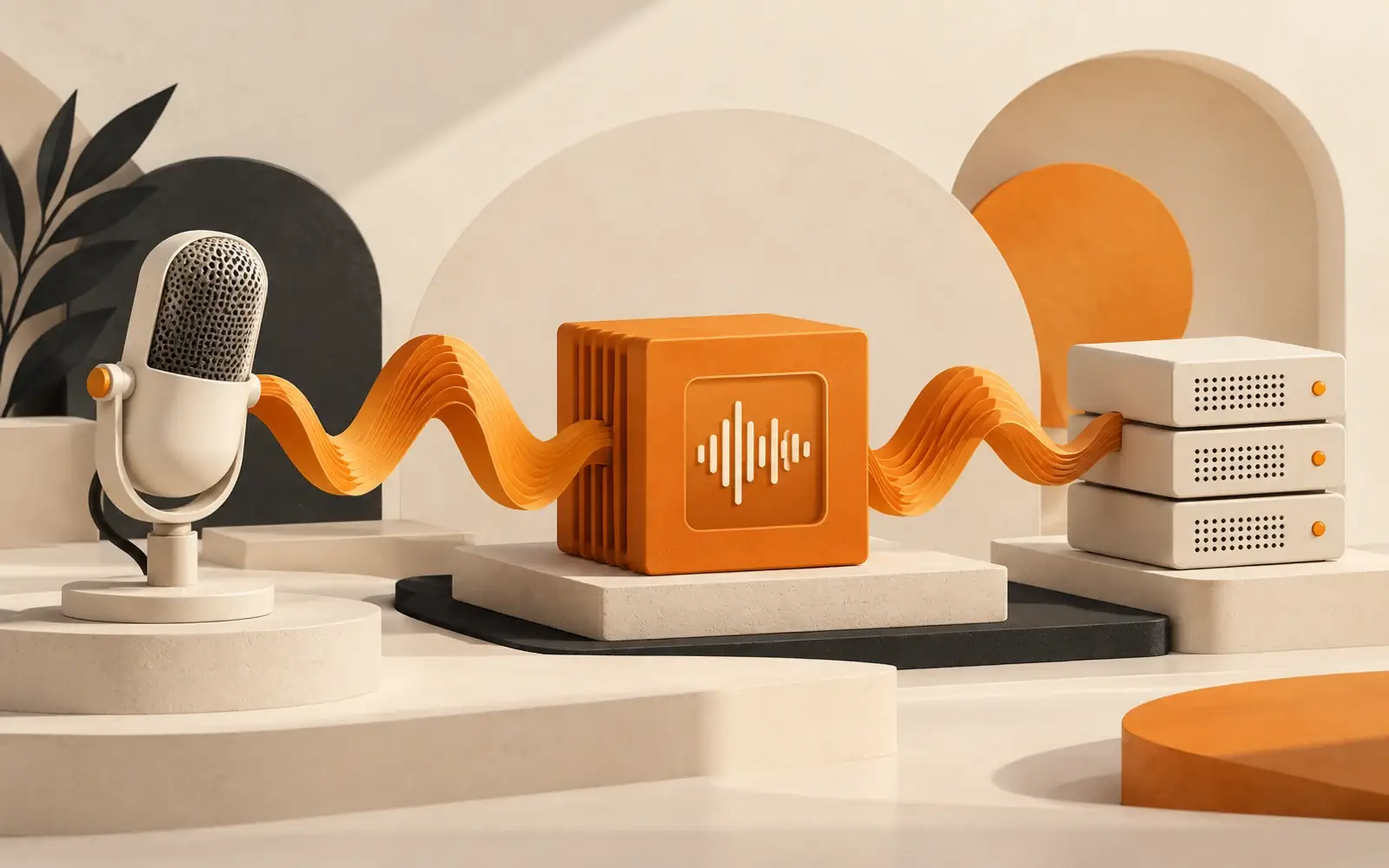
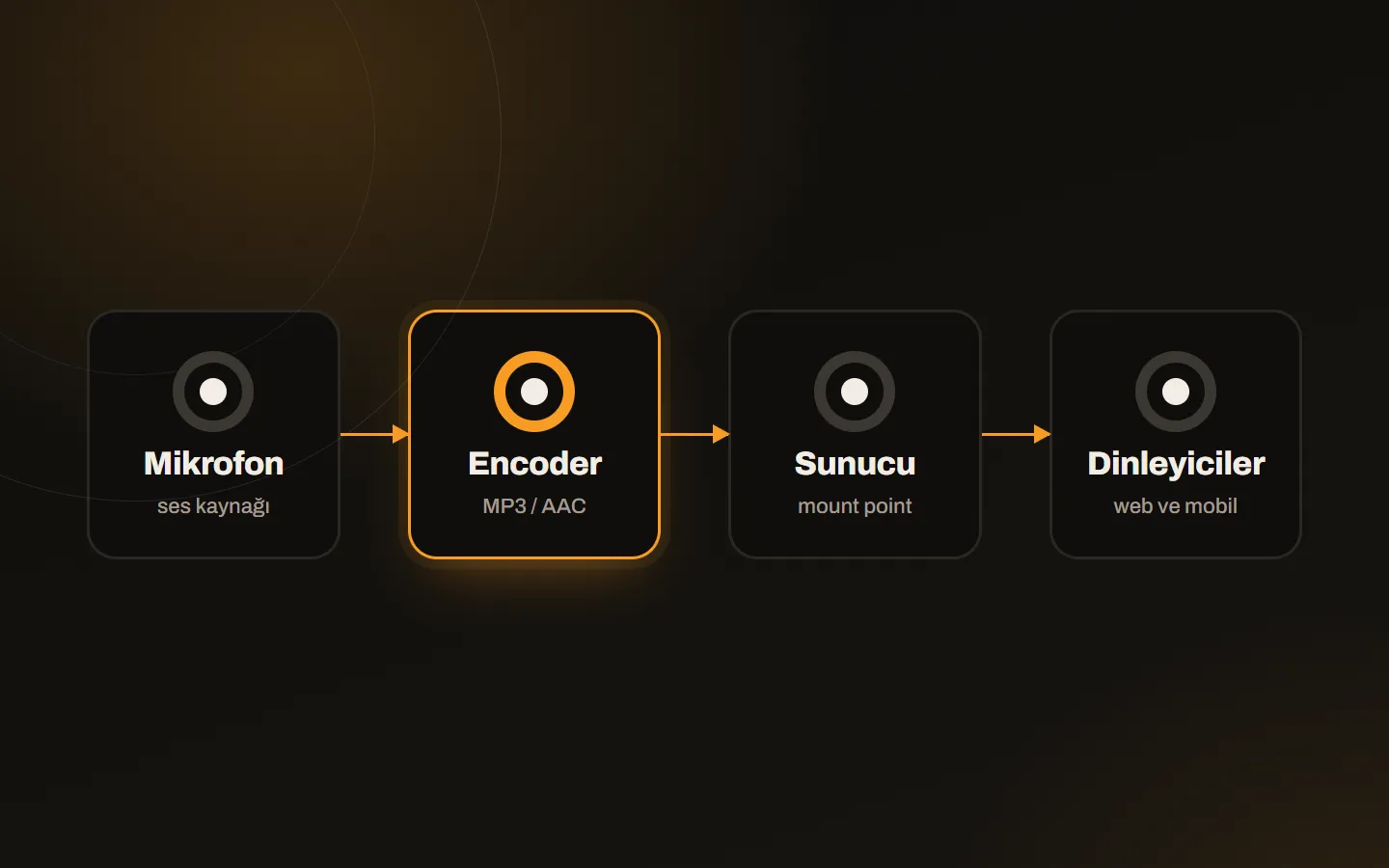
An encoder is software or hardware that takes the live radio show from the broadcaster’s computer and sends it to the radio server. It compresses the sound from the microphone, mixer or music source into a format such as MP3 or AAC, turns it into a digital stream and sends it over the internet to the relevant connection point (mount point) on the server.
What does an encoder do?
- Sends the live show to the server.
- Encodes the sound at the set bitrate and format.
- Lets DJs and presenters connect to the stream.
- Keeps the broadcast in real time.
Can you broadcast without an encoder?
For live shows an encoder is required. Without one, only automatic broadcasts such as AutoDJ on the server work. The two are used together: AutoDJ carries the stream, the DJ connects, and AutoDJ returns when the live show ends. For the logic, see what is AutoDJ.
What settings are made in an encoder?
| Setting | Meaning | Note |
|---|---|---|
| Server address and port | Where the stream is sent | Taken from your radio account details |
| Mount point | The channel the stream attaches to | If it is wrong, no connection is made |
| Username and password | DJ account details | A dedicated account is opened for the DJ |
| Format | MP3 or AAC | Choose the format your plan supports |
| Bitrate | Stream quality (96, 128 kbps…) | Do not exceed your plan’s kbps limit |
Which programs are used?
Many free and paid programs such as BUTT, Mixxx and VirtualDJ act as encoders. We gathered which one suits which system and purpose in programs you can use for radio broadcasting.
Common mistakes
- A wrong mount point. The most common mistake; no connection is made.
- A wrong password. A space added at the start or end while copying is frequent.
- A bitrate above the plan limit. The server rejects the connection.
- The internet dropping during the show. A wired connection and a backup connection make a big difference.
- Leaving settings to the last minute. Fixing problems at show time is harder.
A five-minute check before the show
- Are the server address, port, mount point and password correct?
- Are bitrate and format compatible with the plan?
- Is the microphone level and sound input selected correctly?
- After connecting, did you listen to the stream in the player and check delay and sound?
- Did you try that AutoDJ takes over when the stream drops?
Delay and buffer settings are a separate topic; we covered the balance between dropouts and delay in encoder buffer and latency. If you want to record your live show and download it later, see recording live DJ shows.
Conclusion
The encoder is the exit point of a live show; when set correctly it is invisible, when set wrongly it becomes the weakest link. On your Kariha radio hosting account you get the DJ details from SonicPanel; if you get stuck on the first connection, write to us.