A live programme is heard only by those listening at that moment. If you record it and broadcast or archive it later, you reach many more people with the same programme. SonicPanel can automatically record DJs’ live shows as MP3. In this guide we explain how to turn it on, where recordings are kept and how to manage them.
How do you turn recording on?
- Log in to SonicPanel.
- In the left menu click AutoDJ Management.
- In the form, enable (or disable) Record Live DJ Shows.
- Choose the recording quality and save the changes.
From then on, when your DJ connects, the show is recorded as an MP3 file under your radio account. We explained how to connect to a live show in what is an encoder.
Recordings take up your disk space
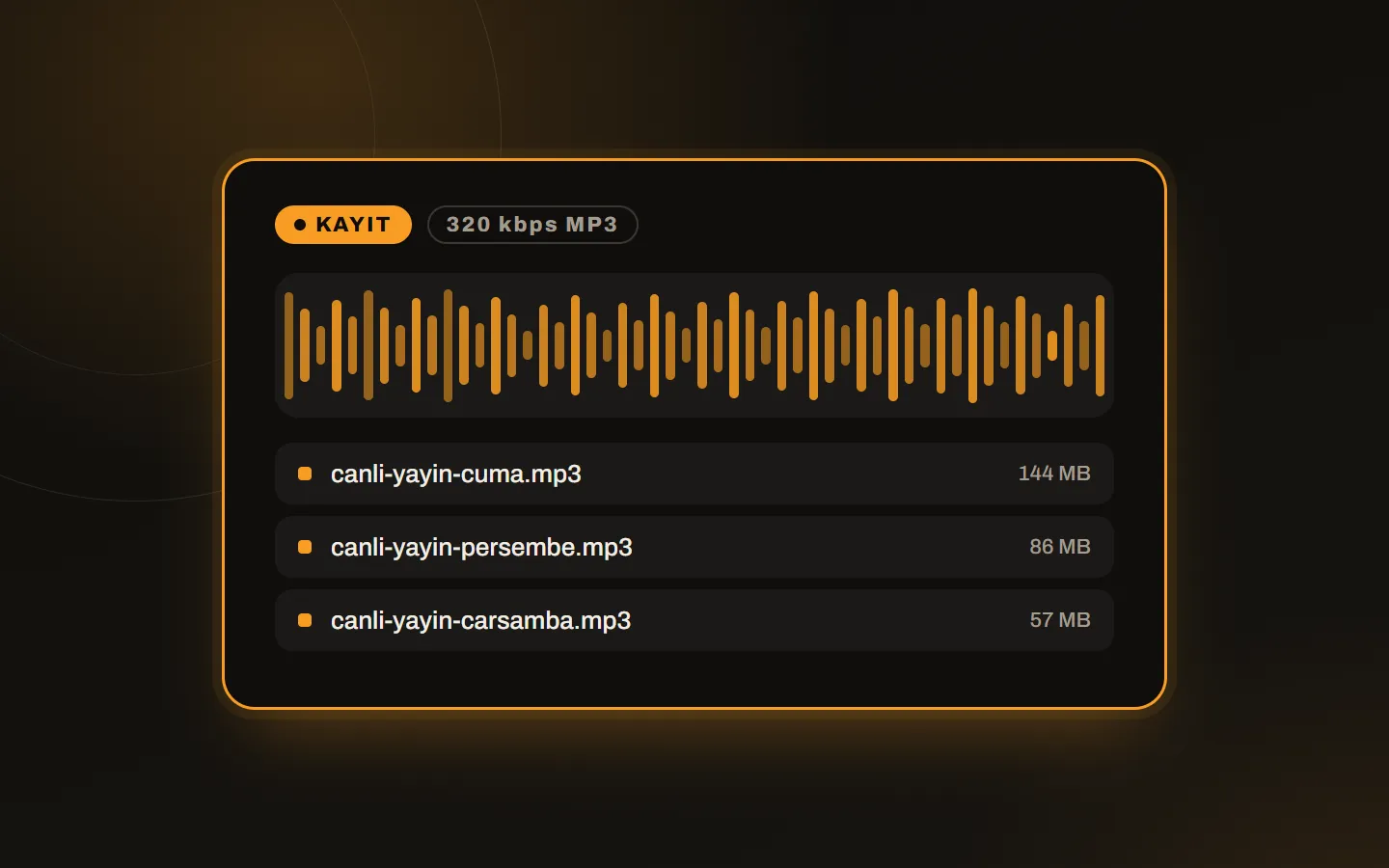
Recordings use the disk space of your hosting account. Long shows, especially at 320 kbps recording quality, can take between 500 MB and 1 GB. If your disk space is limited, lower the quality setting or download and delete recordings often.
| Recording quality | Approximate size (1-hour show) |
|---|---|
| 128 kbps | about 57 MB |
| 192 kbps | about 86 MB |
| 320 kbps | about 144 MB |
Sizes are rough values calculated from bitrate and duration. The actual file size can vary a little by format.
Downloading and deleting recordings
- In SonicPanel go to List/Download DJ Shows in the left menu.
- Download the recorded live shows.
- Delete the recordings when you need to free disk space.
You can re-upload the recordings you downloaded and use them in your playlists. That way a live show is rebroadcast in the AutoDJ flow.
Can DJs download their own recordings?
Yes. After the show ends, every DJ can download their own recording from the DJ panel (List/Download DJ Shows). However, if you delete the recording from SonicPanel, the DJ cannot download it either, because the same file is used.
Two warnings
- Automatic deletion: All recorded live DJ shows are deleted automatically at 23:59 on the first day of every month. Download any show you want to keep before that date.
- Disk limit: If you exceed your hosting limit, you cannot keep uploading MP3 files to playlists. In that case you need to delete some music or recording files. Monitor usage in View Disk/HDD Usage in the left menu.
Good practice for recording
- Check that the recording option is on before the show.
- Download and back up important shows the same day.
- If your disk space does not fit large archives, consider radio hosting plans with more disk space.
- For shows with guests, get recording permission from participants.
Conclusion
Live show recording looks like a small setting but it extends the life of a programme. You can find the panel’s other features in what is SonicPanel. To try how recording works on a live account, get in touch.