When a site slows down or a tool you need will not run on your hosting plan, the usual advice is “move to a VPS”. A VPS is not simply a more expensive hosting plan, though; it is a different product with different responsibilities. This article explains the difference with concrete examples, when switching makes sense and what to clarify first.
How shared hosting works
On shared hosting, one server runs dozens or hundreds of customer sites at once. Each account gets a share of disk, memory and CPU, while server maintenance, security updates and software versions are the provider’s job. You manage your site, email and database from a control panel.
This is ideal for a single company site, a blog or a small shop: it is affordable and needs no technical knowledge. The limits come from the same model. PHP versions, server modules and resource limits are shared by everyone, so installing custom software or changing a setting is often impossible. For selection criteria, see how to choose a hosting plan.
What a VPS gives you
A VPS (virtual private server) is a server carved out of a powerful physical machine through virtualization and dedicated to you. Your CPU cores, memory and disk are defined in the plan, and other customers’ workloads do not consume them. The key difference is root (administrator) access.
In practice this means:
- You choose the operating system and software versions.
- You can run services that shared hosting does not support, such as Node.js, Python, Docker or Redis.
- You tune the web server, PHP and database settings for your project.
- You can consolidate several sites, mailboxes and applications on one server.
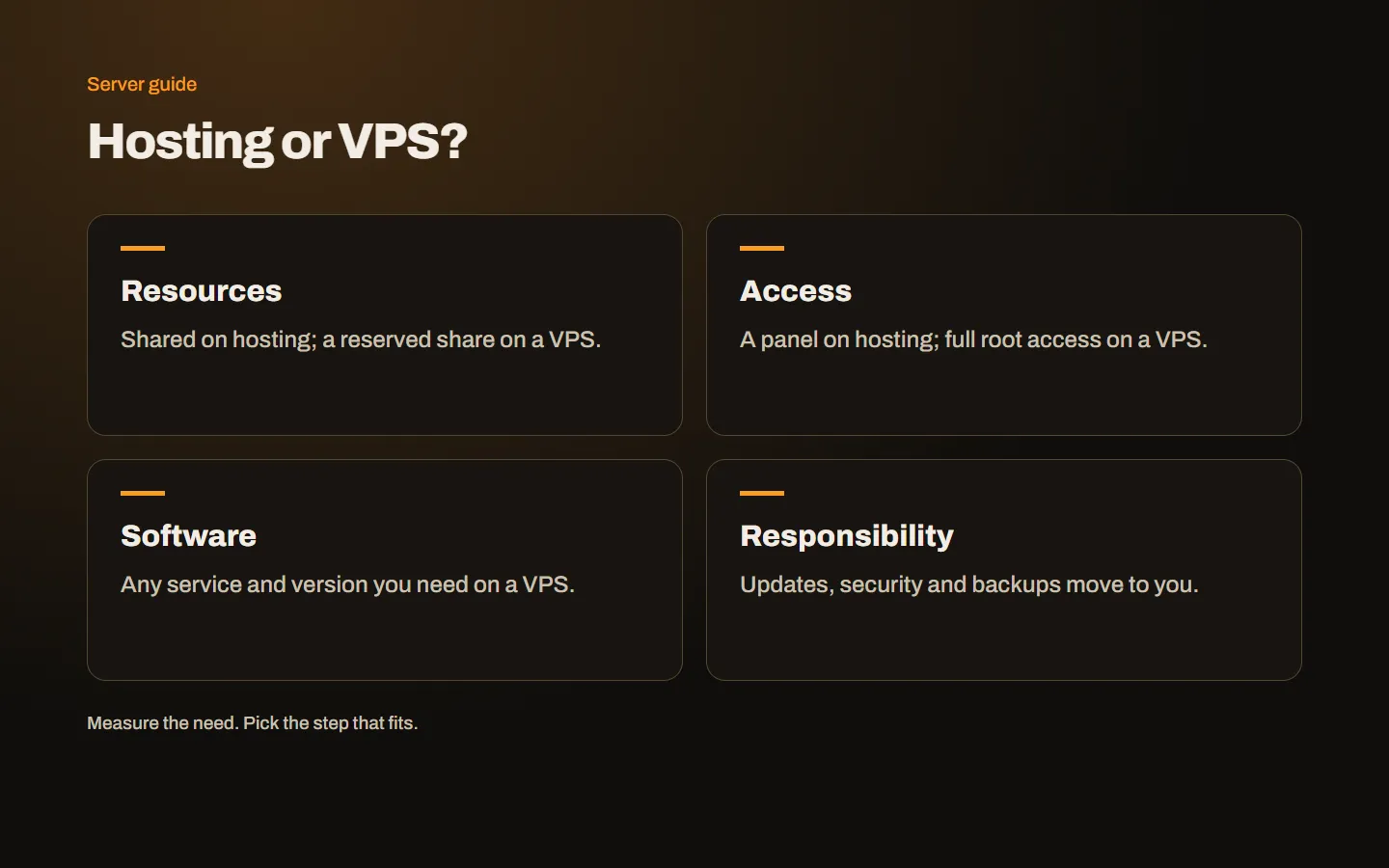
The responsibility moves to you
The freedom of a VPS comes with responsibility. The work your hosting provider used to do now belongs to you or someone acting for you:
- Operating system and software updates.
- Firewall, SSH access and password policy.
- Taking backups and testing that you can restore them.
- Monitoring for full disks, crashed services and similar issues.
- Installing and renewing SSL certificates.
If you do not want to handle this, there are two routes: install a control panel such as DirectAdmin or hand management over to a team. A panel simplifies daily tasks (sites, email, SSL), but updates and monitoring still need an owner.
When should you move to a VPS?
If one of these describes you, it is time to consider a VPS seriously:
- You keep hitting resource limits. Your hosting panel regularly reaches CPU or memory limits and the site slows at peak times.
- You need to run custom software. An API, a bot, a queue worker or a language hosting does not support.
- You want to manage several sites in one place. For agencies and multi-brand businesses, one server is tidier than many hosting accounts.
- You want control over settings. PHP limits, caching layers or database tuning for your own needs.
Conversely, if a single company site runs smoothly and nobody will look after a server, staying on hosting is often the better and cheaper choice.
Hosting, VPS and dedicated: a quick comparison
| Shared hosting | VPS | Dedicated server | |
|---|---|---|---|
| Resources | Shared, limited | A reserved share | The whole physical machine |
| Management | The provider | You or a managed service | You or a managed service |
| Flexibility | What the panel allows | Root access | Root access, hardware choice |
| Best for | Single site, blog | Several sites, apps, panels | Heavy workloads, virtualization |
When a VPS is no longer enough, you move to physical servers whose resources are entirely yours. We cover that decision in VPS or dedicated server.
Clarify before you switch
Write down the answers to these questions before moving; they make choosing a plan and migrating much easier:
- Which sites and applications will run on the server?
- Roughly how many monthly visitors and peak concurrent users do you have?
- How large is the database and how fast is it growing?
- Who will update and monitor the server?
- Where will backups be kept, and when was a restore last tested?
With these answers, picking a plan is straightforward. We explain how to read CPU, memory and disk figures step by step in what to check when choosing a VPS.
Conclusion
A VPS is the most economical way to move your site or application out of hosting’s shared rules and onto your own server; in return, you take on its maintenance. Take a look at our server and infrastructure service if you want a team that knows the server side too, and if you are unsure which step fits you, get in touch and we will review your project together.