VPS plans look alike at first glance: a few vCores, a few GB of memory, some disk space. The same numbers can hide very different experiences. Choosing well means looking past the price at what each figure means for your project. This article explains each one in turn and ends with a short checklist.
CPU: what does the vCore count tell you?
A vCore is a CPU thread assigned to the virtual server. On websites, each visitor request starts a process; as concurrent requests grow, more cores keep response times consistent.
A rough starting point:
- 2 vCores: a single site, a test environment, a small application.
- 4 vCores: several sites, a mid-size shop, a server with a control panel.
- 6–8 vCores: heavy traffic, a large database, several services running at once.
CPU age and clock speed matter too, but when comparing plans the deciding factor is usually how many concurrent requests you need to serve at peak.
Memory: what slows down first
Memory affects VPS performance more than anything else. PHP processes, the database cache and the operating system’s file cache all live in memory. When it runs out, the system swaps to disk and the site slows noticeably.
A practical approach: check your current database size. If the whole database, or its frequently used part, fits in memory, queries stay fast. A control panel such as DirectAdmin and email services need their own share; 8 GB is a comfortable start for panel servers.
Disk: NVMe and capacity
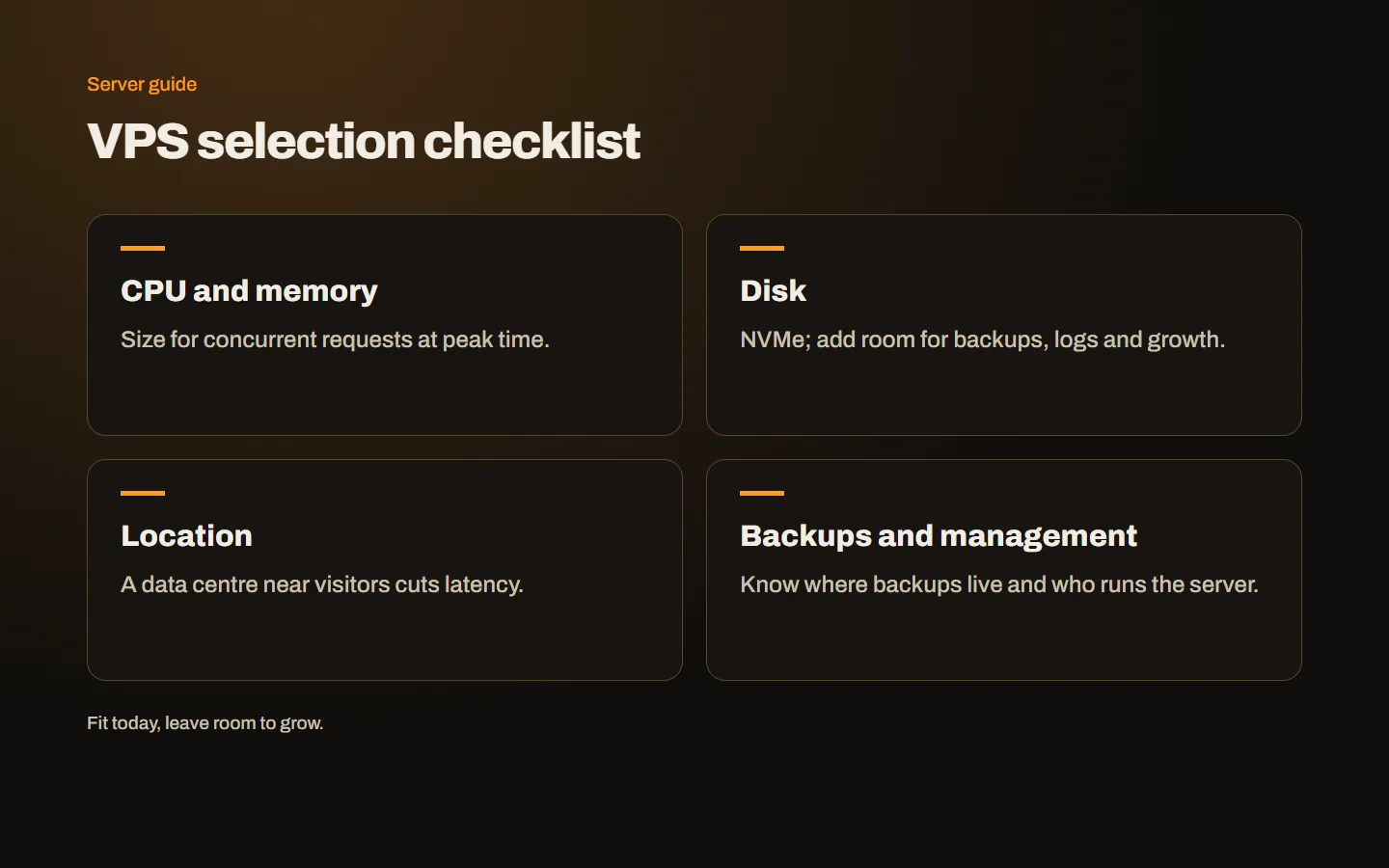
Look at two things: type and size. NVMe SSDs are much faster than classic SSDs, especially for small random reads and writes, which you feel directly on database-heavy sites.
When sizing, account not only for today’s files but also for:
- A year of database growth.
- Local backups kept on the server.
- Log files and mailboxes.
- At least 20 percent free space for updates and temporary files.
Bandwidth and traffic
“Unlimited traffic” means there is no monthly data quota; port speed is a separate figure. The difference between 500 Mbit/s and 3 Gbit/s matters for sites serving large files, video or high concurrent traffic. On a typical company site, port speed is rarely the bottleneck; on media-heavy projects it is important.
Location and latency
The distance between the server and your visitors sets the latency added to every request. For visitors in Turkey, central and southern European locations such as Frankfurt and Milan usually give low latency. If your audience is elsewhere, pick a location near them. Serving content through a CDN also narrows the gap considerably.
Backups, protection and management
These are the items most often missed when comparing plans:
- Backups: Are automatic backups included, and how far back do they go? For important projects, keep a copy away from the server as well. If you use DirectAdmin, we cover SSL and backup settings separately.
- DDoS protection: Is attack traffic filtered at the infrastructure level, and is there an extra fee?
- Control panel: If you will use a panel, add the licence cost. The answer to cPanel or DirectAdmin makes a real difference to the budget; a DirectAdmin licence is the more economical choice.
- Management: Who will handle updates, monitoring and security settings? If nobody will, add the cost of a managed service.
Quick checklist
- I listed the sites and applications that will run on the server.
- I estimated peak concurrent users.
- I sized memory based on the database.
- I added backups, logs and growth to disk capacity.
- I picked the location closest to my visitors.
- I decided where backups live and for how many days.
- I added panel licences and management to the budget.
- I know which plan I will move to when I grow.
Conclusion
A good VPS choice meets today’s needs and leaves room to grow. Read the figures with the list above and the choice becomes clear. Learn how a VPS differs from hosting in what is a VPS, and get in touch if you would like help choosing a plan.