You have decided hosting is no longer enough, and two options remain: a VPS or a dedicated (physical) server. Both give you root access, and in both cases you or your management team runs the server. The difference lies in how resources are allocated, how you scale and what it costs. This article covers the criteria that make the decision easier.
The core difference: a virtual share or the whole machine
A VPS is a virtualized slice of a physical server. Your CPU cores, memory and disk are defined, but you share the physical hardware with other virtual servers, and the virtualization layer manages that sharing.
With a dedicated server, the whole machine is yours. Every CPU core, all of the memory and every disk run only your workload, and you can choose the hardware: CPU model, disk type and RAID layout.
Five criteria for the decision
1. Steady or bursty load?
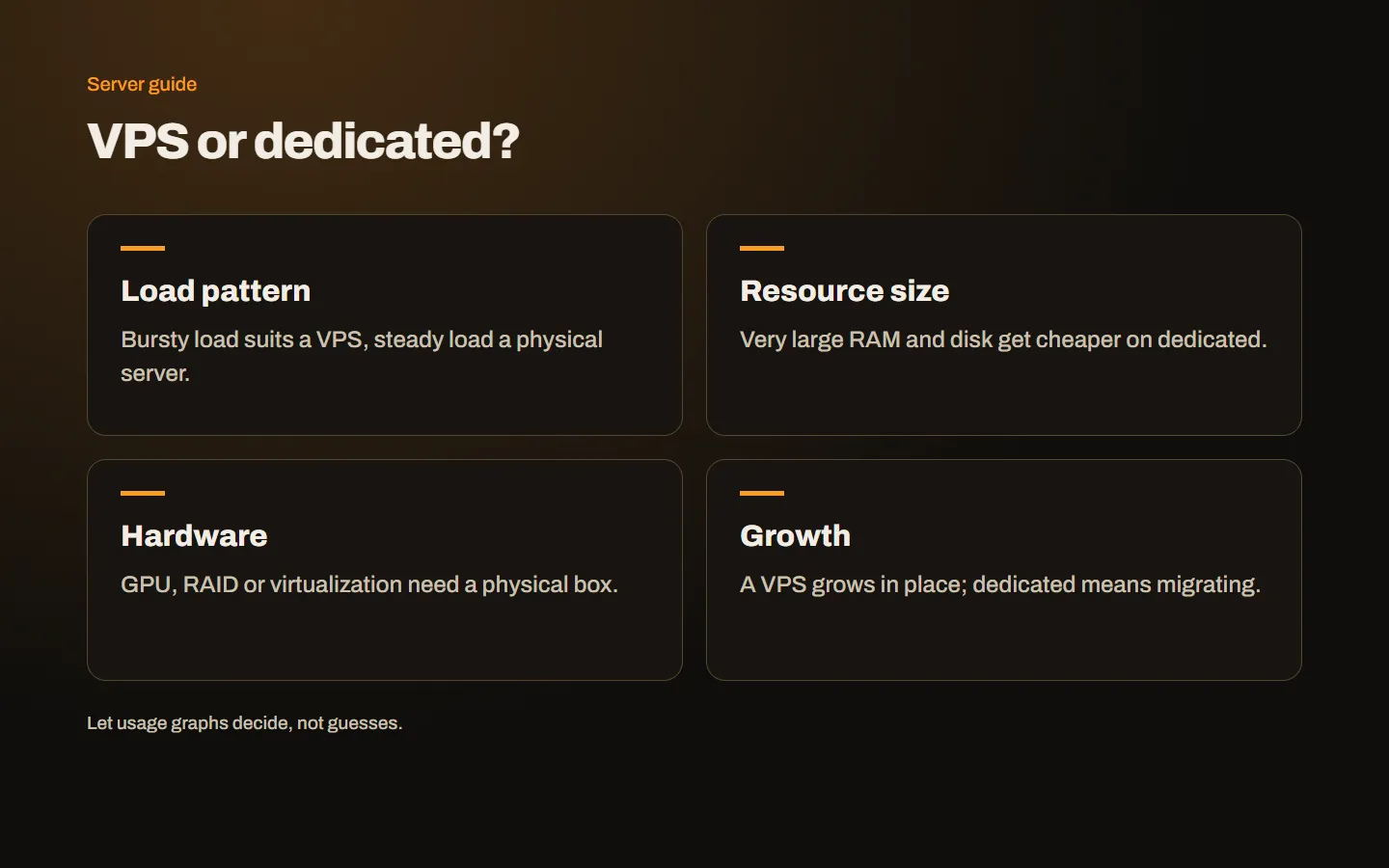
If your traffic fluctuates during the day and the CPU is mostly idle, a VPS is economical and sufficient. Jobs that keep the CPU busy for hours (video processing, large reports, heavy database queries, build servers) perform more consistently on a dedicated server.
2. Memory and disk needs
VPS plans usually offer from a few GB to a few tens of GB of memory and hundreds of GB of disk. If most of your database must sit in memory, or you will store terabytes of files, a dedicated server becomes both possible and cheaper. A machine with lots of RAM and several NVMe disks usually costs less than buying the same resources as a VPS.
3. Hardware and isolation requirements
A specific CPU model, a graphics card (GPU), hardware RAID or physical isolation leaves you with one option: a dedicated server. The same applies if you want to run your own virtualization platform such as Proxmox or VMware.
4. Growth and flexibility
The biggest advantage of a VPS is easy growth: when you move to a larger plan, your data stays in place and the change is quick. Growing on a dedicated server usually means migrating to a new machine. If you are unsure where your project is heading, starting on a VPS lowers the risk.
5. Budget and management
A VPS starts at a much lower monthly cost. A dedicated server costs more, but the price per resource improves as you grow. Both need updates, security and backups; include in the budget who will do that work.
Which one when?
| Situation | Recommendation |
|---|---|
| A few company sites, moderate traffic | VPS |
| WooCommerce shop with a growing catalogue | VPS, larger plan as it grows |
| 10–20 hosting accounts on DirectAdmin | Large VPS |
| Dozens of hosting accounts, heavy email | Dedicated |
| An application with constantly high CPU use | Dedicated |
| Your own virtual machines on Proxmox | Dedicated |
| AI, rendering or other GPU work | Dedicated (with GPU) |
Treat this table as a starting point rather than a rule. The same shop may run comfortably on a VPS during campaigns and still need a dedicated server a few years later.
How to tell it is time to move
These signs on a VPS mean it is time to consider the next step:
- Even on the largest VPS plan, CPU stays above 80 percent at peak times.
- Memory is too small, so the database spills to disk and queries slow down.
- Disk space keeps filling up and extra disk costs keep rising.
- Consolidating several VPSs doing similar work onto one powerful machine becomes cheaper.
Decide with measurements: a few weeks of CPU, memory and disk graphs are far more reliable than estimates.
Conclusion
For most web projects, a VPS is the right start: affordable, quick to set up and easy to grow. For constant heavy load, special hardware or very large resource needs, a dedicated server wins. Read the basics in what is a VPS and how is it different from hosting, and if you are undecided, get in touch so we can decide together based on your usage data.