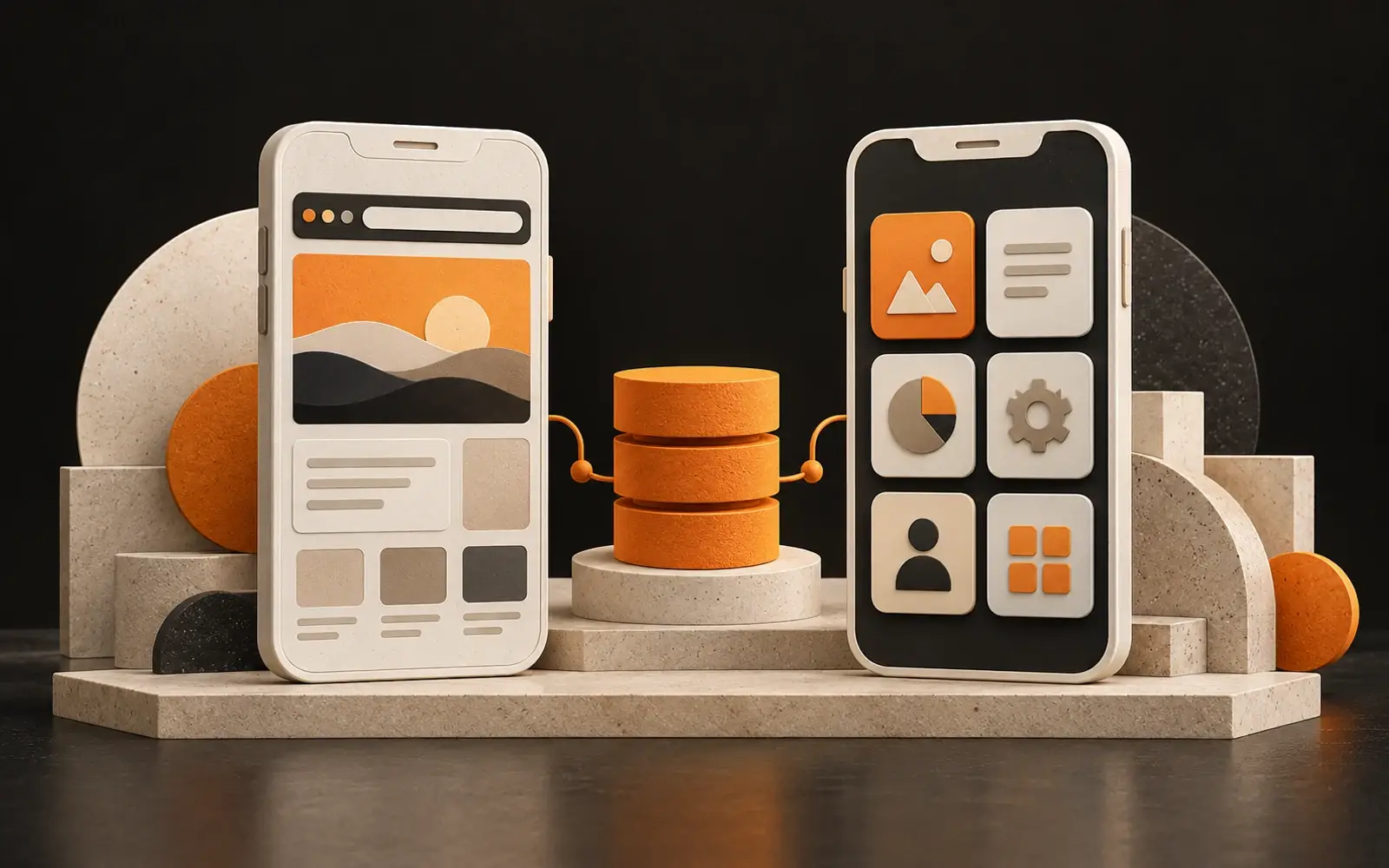
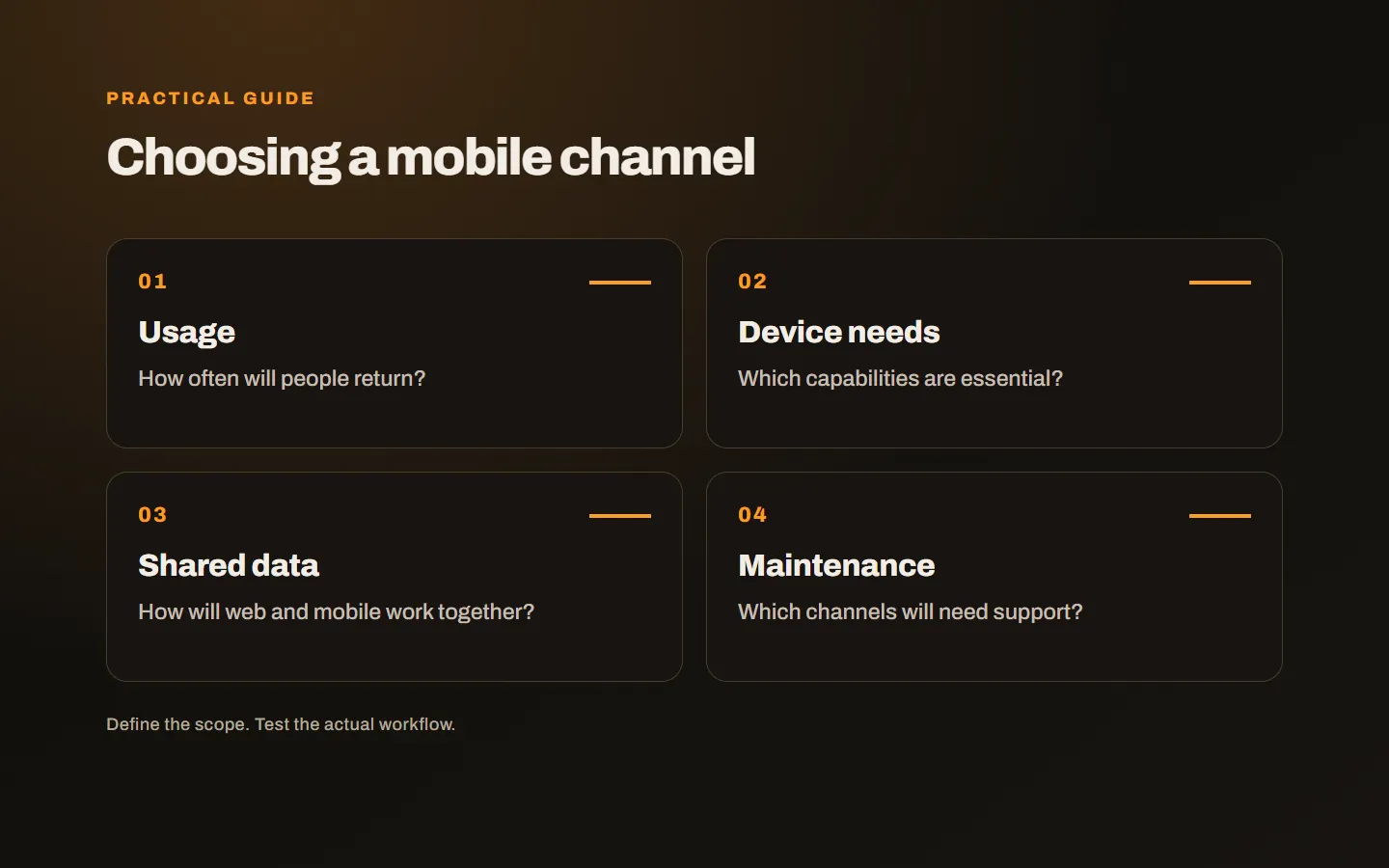
Customers using phones does not automatically mean your business needs an app. The right choice depends on the task, how often it happens and what the device must do. Consider discovery, everyday use and maintenance together before investing.
How will people first discover you?
A new customer may arrive from search, a shared link or a recommendation. A mobile website can immediately explain the service, show products and accept an enquiry. For a short task, avoiding installation can be useful.
An app asks the user to take another step. You should be able to explain what they gain by installing it. Moving company information and contact details into an app may not create a reason to return regularly.
Begin with “Why would someone open this again?” If the answer is unclear, improving the mobile website may be a more suitable starting point. The decision depends on usage rather than company size.
Is the task occasional or repeated?
An occasional quotation request, event lookup or product review can often work well on the web. Frequent ordering, daily task tracking or field operations can make an app more relevant. Still, frequent use alone does not settle the question: a web account may already support the task effectively.
For example, staff receiving jobs and uploading completion photos all day have different needs from a customer downloading one document a year. Those audiences do not need identical channels.
Use actual behaviour to estimate frequency. People spending time on their phones does not mean they will use your particular service daily. Repeat orders and staff workflows offer more relevant evidence.
Which device capabilities are essential?
List requirements such as camera access, location, notifications, offline use and background activity separately. Some can be supported on the web, with behaviour varying across devices and browsers.
Connect each capability to a scenario. “A worker completes a form offline and synchronises it without duplicate records later” is more useful than simply requesting offline support. It raises questions about storage, stale data and conflict handling.
Similarly, describe which event needs a notification and what happens if permission is refused. The information should remain available through a defined route. Sending a notification does not guarantee that someone reads or acts on it.
Could a PWA fit the workflow?
A progressive web app can extend a web experience with capabilities such as installation and offline behaviour. It should not be assumed to match every native capability on every device. The web.dev PWA guide discusses capabilities alongside platform support.
Test a prototype on target devices. Try installation, lost connectivity, uploads and other critical actions. A working desktop demonstration is not enough to establish the experience on the phones your users actually carry.
Compare the choices around the task
| Requirement | Start by evaluating |
|---|---|
| Discovering a service | A fast, clear mobile website |
| Occasional enquiry | A web journey without installation |
| Repeated personal transactions | A web account, PWA and app comparison |
| Device-intensive field work | A prototype on target devices |
| Offline records | Local storage and synchronisation behaviour |
This is a starting framework, not a universal prescription. Similar businesses can have different integration, security and user requirements.
Can the website and app share data?
A suitable backend can serve both channels, avoiding duplicate management of products, appointments or tasks. However, shared data does not make interfaces and permissions automatically ready.
Define account access, sessions and update rules. What happens when the same record changes in two places? When will a phone update appear on the website? How does the user know whether a failed network request completed?
If an existing website needs an app, inspect its integration options first. Being able to open the site does not prove that the required data interface exists. The first development task may involve the backend rather than mobile screens.
Before commissioning the full channel, show users a draft of the most frequent task. Watch where they hesitate and what information they expect to find. Use that feedback to refine the workflow before adding more screens.
Plan ongoing ownership and support
Operating system changes, security fixes, dependencies and store processes create continuing work. The web channel also needs maintenance. Ask which tasks are included and how new features are evaluated.
Keep developer accounts and critical access under business control. Clarify code, data and account handover if the provider changes. Those arrangements matter alongside the initial development price.
For an appointment workflow, our online booking system guide offers a concrete example of defining the job first. Our mobile app service also considers shared web systems. Tell us what the user must do on their phone, and we can compare the channels around that task.