
Two plans listing similar storage can behave differently for your website. Application requirements, operating limits, recovery and support all matter. Begin with what your website does, rather than choosing solely from the largest number in a package table.
Describe the system being hosted
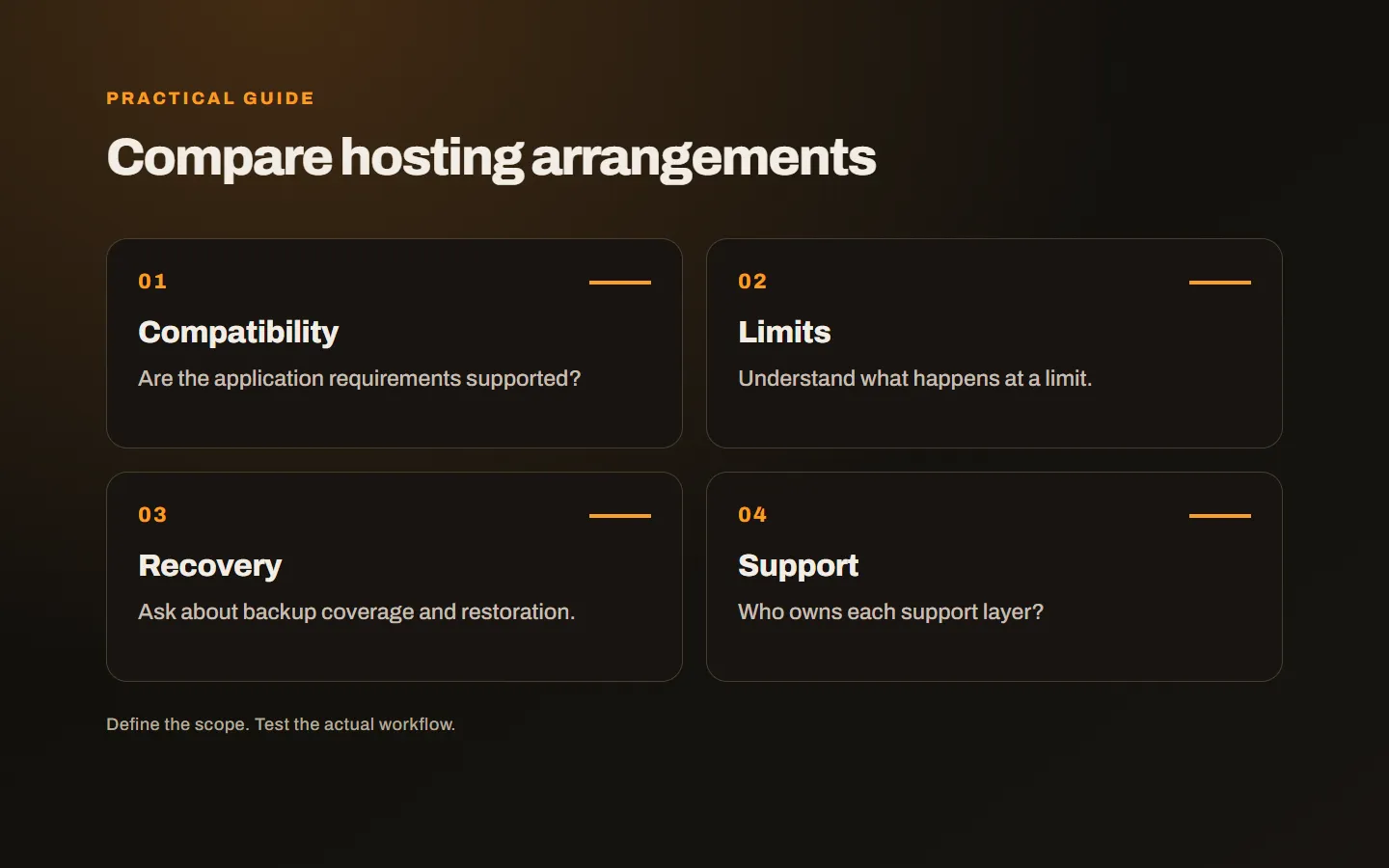
A brochure site, a membership application and a store accepting orders can create different demands. List the software, database, uploads and external connections. Confirm the provider supports that operating model. Package labels such as professional do not establish technical compatibility.
Ask your developer or agency for requirements. Runtime versions, necessary extensions, scheduled jobs and deployment methods can affect the choice. Discovering an unsupported dependency after purchasing creates avoidable migration work.
If an existing site has problems, supply actual examples. A slow admin panel, failed upload and interruption during a campaign can have different causes. A larger package does not automatically repair an application fault. Investigate resource shortage separately from incorrect software behaviour.
Ask how operating limits work
Storage and transfer allowances are visible, but other limits can include processing, memory, concurrent work and file counts. The exact arrangement varies by service. If a proposal uses a broad unlimited statement, read the operating conditions rather than assume every resource is unrestricted.
Find out what happens at a limit. Is work slowed, does a temporary error occur or is an upgrade required? The business need not master every low-level detail, but should understand when its service can be affected. Support should explain the consequence clearly.
Use actual consumption and representative tasks where possible. Visitor counts alone are insufficient: a cached brochure site and an application making database queries can impose different loads with the same number of visitors. A copied capacity table cannot establish suitability for every website.
Investigate which part of performance is affected
Server responses, network travel, application work and browser files contribute to loading. A stronger hosting allocation does not remove unnecessarily large images or inefficient code. Measure the affected stage before selecting a remedy.
Cloudflare’s website performance explanation describes several contributors to the experience. Distance and delivery arrangements can also matter. A single location claim or technical score cannot explain the entire journey; test the audience’s relevant tasks.
Inspect login, checkout and administration separately from a static homepage. Cached content can load quickly while transactional work remains slow. When asking a provider to investigate, specify the page, operation and conditions rather than saying only that the whole site feels slow.
Read the backup terms carefully
Does backup exist, which components are included and who restores them? A pricing table may not answer those questions. Files, databases and mailboxes can have different arrangements. Learn which recovery points remain available and how recovery is requested.
Consider whether backup copies depend on the same failure as the main environment. A critical application may need additional export or independent backup arrangements. Do not interpret a backup label as an unlimited recovery guarantee; match the service to the application’s needs.
A restoration test matters because creating an archive and recovering a working system are different jobs. Missing versions, settings or access can delay recovery. Establishing those dependencies while choosing the service is easier than discovering them during an incident.
Evaluate email separately
Mailboxes included with hosting do not mean every business must use them. A separate email service may suit different requirements. User numbers, shared inboxes, devices and support expectations can influence that decision.
If mail is included, ask about mailbox and sending limits. Do not plan promotional sending as if it were identical to ordinary correspondence. Keep a simple inventory showing where domain registration, DNS, web hosting and email are managed, so future changes have a clear scope.
Clarify the support boundary
Ask who investigates when the server is available but the application fails. Some services manage the hosting layer while software maintenance is separate. That distinction is not automatically a weakness; it needs to be understood before a fault occurs.
Agree on channels, working hours and prioritisation. A first response is different from resolving a problem. If the developer needs to participate, establish who coordinates the exchange. An ownership gap can cost time even when each individual provider is doing its own job.
Where migration is included, write an acceptance checklist beforehand. Identify the domain, critical operations, email scope and final data transfer. A newly activated account is not the same as an operationally accepted website. Record who addresses findings from those checks.
Understand growth and departure arrangements
How does an upgrade work, and does it require another move? Which information can you export, and when does access end after cancellation? Knowing how to leave is part of maintaining business control, rather than a sign that the service is unsuitable.
Compare renewal pricing, additional charges and usage terms alongside any introductory offer. The cheapest or largest package is not automatically the most suitable. Choose an arrangement that supports the application’s work, maintenance and realistic growth.
If a move is needed, our website and email migration guide covers the transition. Our hosting and infrastructure service relates the choice to application requirements. Tell us which system you use and what problem you are experiencing, and we can first clarify the need the service must meet.