
For most people who want to open an internet radio, the first fear is the technical part: servers, ports, encoders, mount points. SonicPanel gathers that complexity into a single web panel. You upload music, build lists, open DJ accounts and add the player to your site; you do not touch the server side.
What is SonicPanel?
SonicPanel is a radio management panel built for internet radio, with Turkish language support. It is used both by individual broadcasters and by professional stations running several channels. It comes with your Kariha radio hosting account, with a fully Turkish interface.
Main features
24/7 broadcast with AutoDJ
You can upload music from your computer and broadcast automatically without extra hardware. The station stays on air at every hour of the day, which increases listener continuity and with it advertising and sponsorship opportunities. We explained the logic in what is AutoDJ.
Advanced playlists and music library
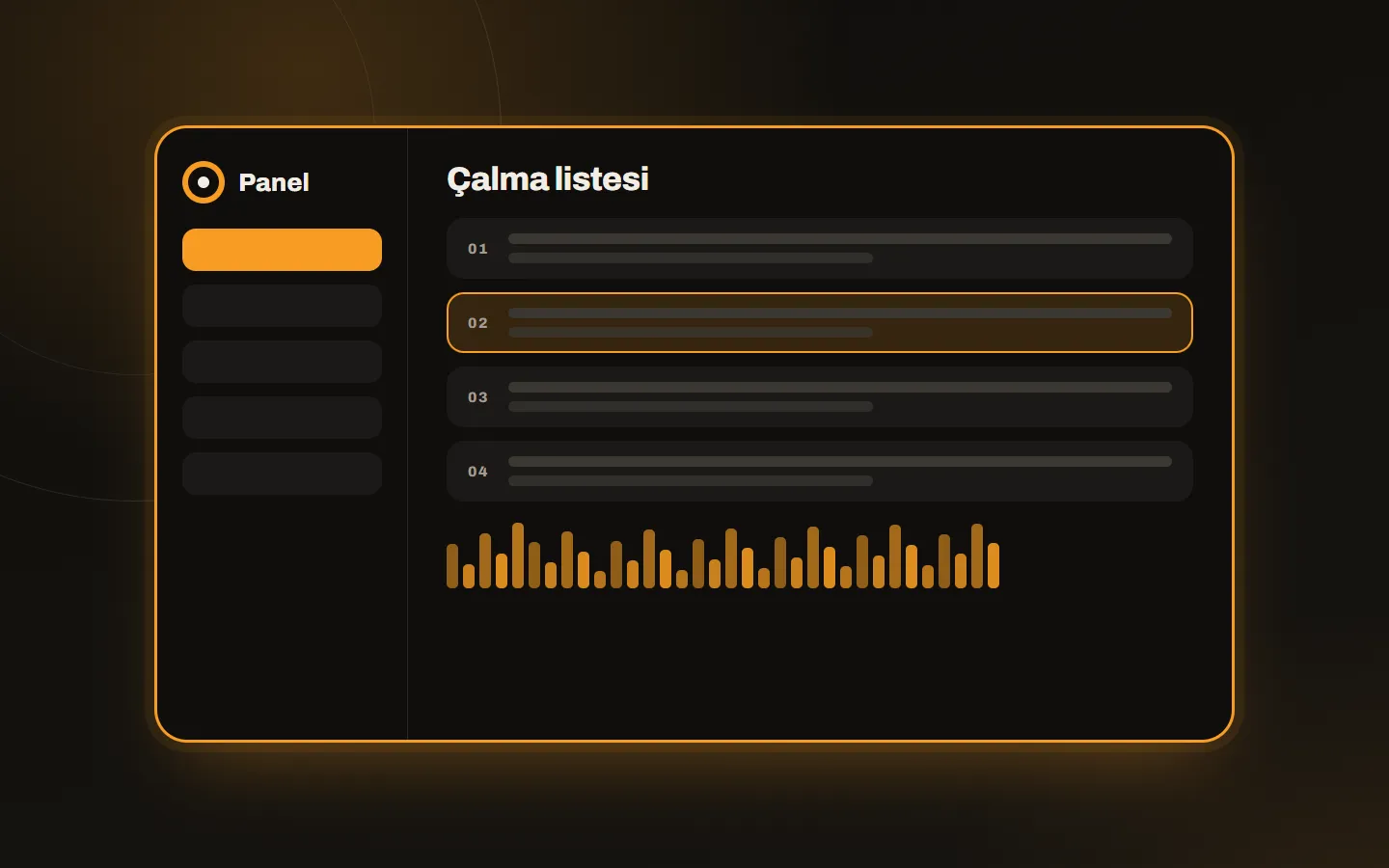
There is a drag-and-drop playlist manager. You can upload files one by one or in bulk, edit lists and schedule the broadcast by date and time. ID3 tag editing and album artwork display are also available.
The music library gathers your archive in a central pool with albums and custom folders. You do not re-upload the same song for every list, which saves disk space.
DJ accounts and live broadcasting
A separate account is opened for each DJ. DJs can connect while AutoDJ is on and go live without cutting the listener’s connection. Live shows are recorded as MP3 and can be downloaded later; details in recording live DJ shows. DJs can upload a profile picture, which appears in compatible players while they are on air.
Player and website integration
It offers a single-track player and full-page radio player options. You copy a ready-made iframe or JavaScript code and paste it into your site; no technical knowledge is needed. You can try the live demo player right away.
Security
Radios are protected against DDoS attacks, connections are controlled by IP-based limits (rate limits), and logins are protected against brute-force attacks. Excessive failed logins lead to a temporary IP block. Stream and player addresses run with SSL; we explained why that matters in what is an SSL stream.
Who is it for?
| User | What SonicPanel provides |
|---|---|
| A new broadcaster | A ready broadcast without technical knowledge |
| Teams broadcasting together | A separate account and recordings for each DJ |
| Radio hosting resellers | A separate panel for each customer; reseller plans |
| Corporate broadcasters | A scheduled flow, security and uninterrupted broadcast |
Where to start
First decide at which bitrate you will broadcast and how large your music archive is. These two facts determine the plan. Then open the account and run a trial broadcast with AutoDJ for a few days. Before going live, read what is an encoder. If you get stuck, you can write through our contact page.