
A better-looking website does not automatically preserve the visibility your existing site has earned. Changing addresses, content and enquiry paths requires a migration plan. Before approving a redesign, agree on what should be retained and how the transition will be checked.
Define what the redesign should improve
“It looks dated” is a reasonable starting point, but it does not describe an acceptance criterion. Is the mobile form difficult to complete? Are services hard to distinguish? Does every content update require a developer? Turn those observations into specific outcomes.
If the aim is to help visitors choose a service, review more than the homepage. Someone arriving directly from search should understand the service, see relevant work and find the next step. Agree on how those tasks will be checked before discussing decorative details.
Inventory the pages that already work
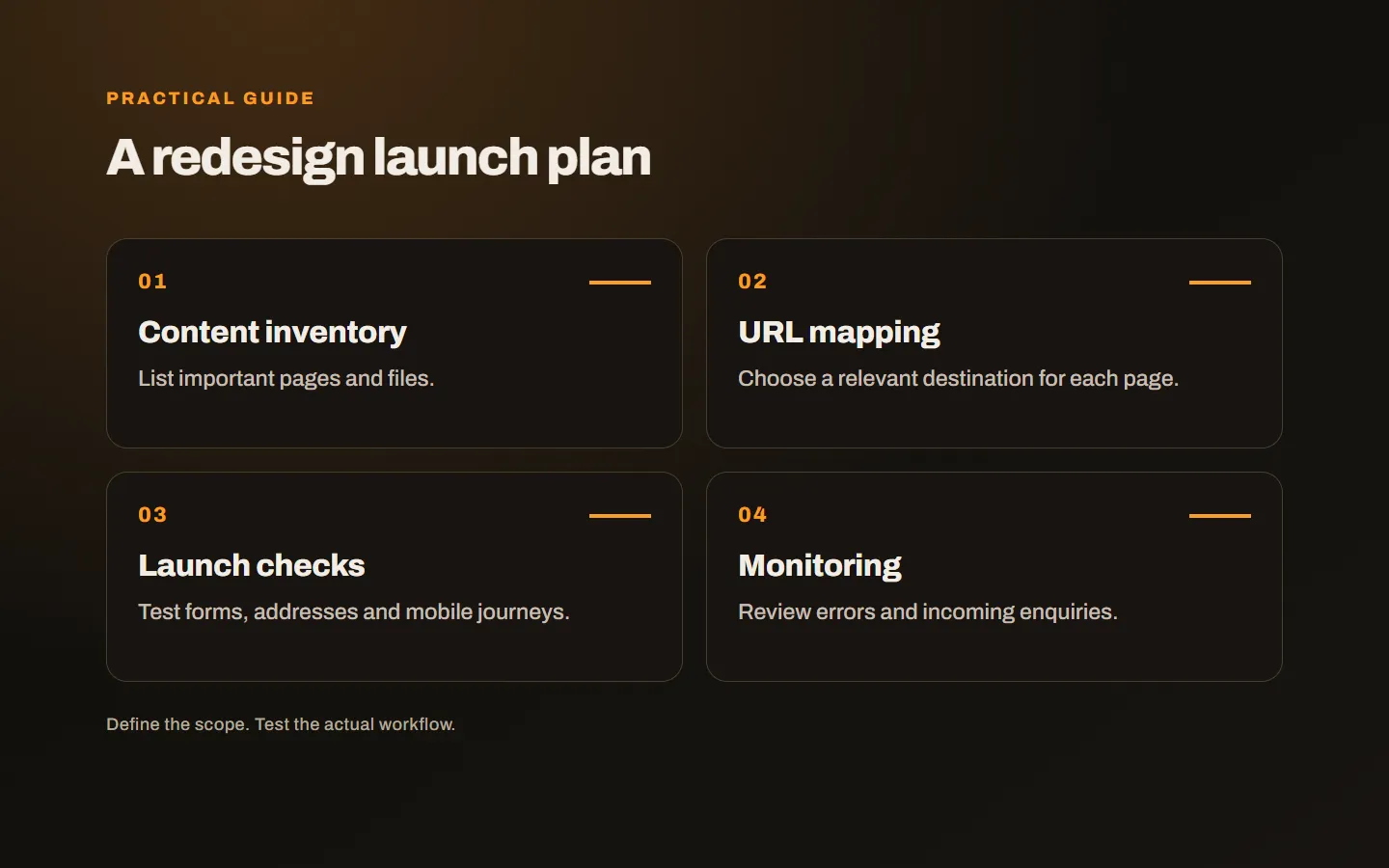
Start with the sitemap, then supplement it with Search Console, analytics and available server records. Old articles, campaign pages and downloads may still receive visits even when they are absent from the menu.
For each address, record its subject, the need it serves and its destination in the new site. Decide whether to retain, merge or remove it. Low traffic alone is not a reason to delete a page: a specialist service page may bring a small number of valuable enquiries.
Include hosted images and documents. A proposal PDF might still be linked from emails sent by your sales team. Those routes matter even when they do not appear in your navigation.
Keep useful URLs where possible
A redesign does not require every address to change. If an existing URL describes the page clearly, retaining it reduces the migration work. A different content management system does not necessarily require a new public URL structure.
Where addresses change, map each old page to a relevant replacement. Sending every old article to the homepage leaves visitors without the answer they expected. Do not choose an unrelated destination simply to hide an error.
Google’s site migration guidance covers URL mapping and redirects. Visibility can fluctuate while changed pages are processed; a responsible launch plan cannot promise zero movement in rankings.
Preserve information that supports decisions
You can remove repetition and improve outdated explanations. However, replacing useful service details with a large image and a short slogan can make the page less helpful. Make sure visitors can still discover who the service suits, what it includes and how the process works.
Check these questions on important pages:
- What problem does the service solve?
- What is included and what needs separate discussion?
- What must the customer supply?
- Which relevant examples can they review?
- What happens after they make contact?
Test the actual mobile page. Content visible in a design file is not enough if a tab, expandable section or form fails in the delivered website.
Run an acceptance check before launch
Choose a service page, an article and a contact journey. Open an old link, confirm the destination, read the page on a phone and submit an enquiry. Check that the intended person receives the notification, rather than stopping at the success message.
Review titles, descriptions, canonical URLs, language alternatives and the sitemap. Development environments may correctly block indexing; those restrictions must be reviewed before the public launch. Check performance with real images and content, rather than relying on an empty prototype.
Record the checks in a short handover note. Include the address tested, device, date and any issue found. That gives everyone a shared meaning for “checked” and shows which journey should be tested again after a fix. Review loading behaviour after actual images and animation are present: a lightweight empty layout can behave differently from the completed service page. These checks belong in the delivery scope, with a named owner rather than an assumption that somebody else will handle them.
Assign launch and recovery responsibilities
Know who can access the domain, hosting and application. Record who will launch, who will test and what will happen if a critical fault appears. Keep a recoverable copy of the previous version and confirm the restoration procedure.
After launch, monitor important addresses and incoming enquiries. Compare equivalent periods and channels rather than judging the project from a single day. If new transactions are being created, recovery also needs a plan to preserve that new data.
When assigning post-launch responsibilities, our website maintenance scope guide helps distinguish updates, backups and new development.
Ask for a complete redesign scope
A proposal should explain whether content inventory, URL mapping, redirects, form checks and post-launch monitoring are included. Use the questions in our website briefing guide to clarify those responsibilities before work starts.
Our web design service brings design and development together. Share your current website and the problems you want to solve, and we can assess what should be retained and what needs to change.