
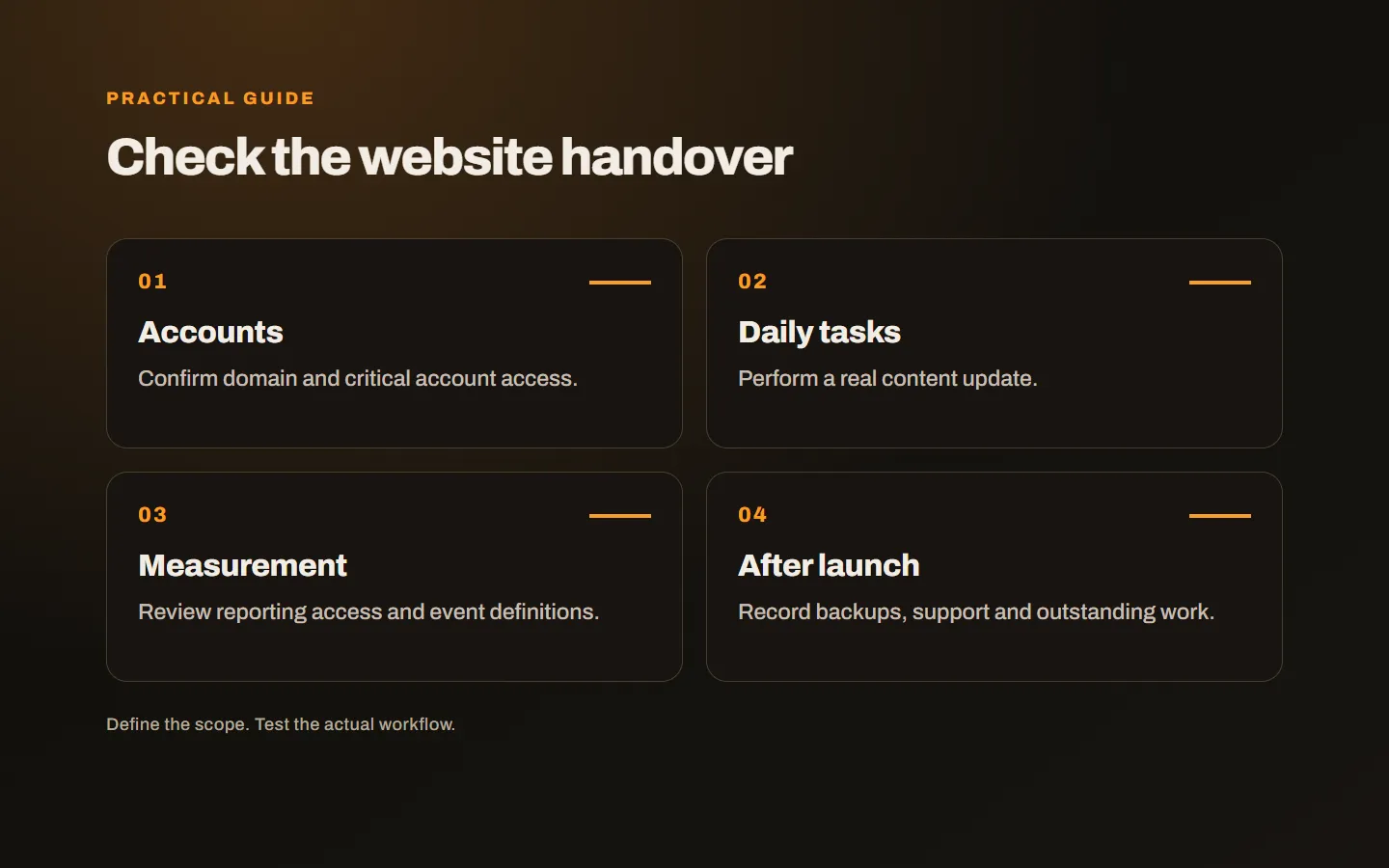
A website opening successfully does not prove the business has the information needed to manage it. Domain control, measurement and form notifications can remain with different people. Review accounts, responsibilities and everyday tasks alongside the design approval.
Match handover to the agreed service
Custom development, licensed software and a managed service can have different terms. Check source code, licences, exports and maintenance against the contract. Establish what rights, files and information are being delivered instead of assuming every project follows one model.
For example, a third-party licence may be held by the business or supplied through an ongoing service. Ask what happens if a separate subscription ends. These dependencies should not become surprises at the point of delivery. Convert the explanation into a short inventory.
The objective is not a document containing every administrator password. It is appropriate business control of critical assets and a secure way to authorise the people who need access. Avoid both unnecessary privileges and unexplained external dependency.
Confirm domain and DNS ownership
Know the registrar, account administrator and renewal date. Recovery messages should reach a place the business can monitor. An agency may continue technical management, but responsibilities still need to be visible to the business.
DNS may be managed somewhere different from registration. Record which services support the website, mail and subdomains. You need not memorise every entry, but should know where management happens and who is authorised to change it. Update the inventory when those arrangements change.
Include two-factor authentication and recovery. Depending entirely on one person’s phone can create problems when they are unavailable. Use recovery and authorisation arrangements consistent with your business’s access policy.
Try real content tasks
Logging into the panel is not enough. Edit text, upload an image, preview the result and publish where appropriate. Learn how to reverse an incorrect change. Training should follow daily tasks rather than simply tour every menu.
Assign appropriate roles. A content editor may not need infrastructure settings. Explain how to add a colleague, remove a departing user and operate any publishing approval. Identify a person who can manage those responsibilities.
Have someone from the business repeat an update themselves. Tasks can look easy while a technical person demonstrates them, but missing steps emerge in actual use. A short guide or recording can help; make its location part of the handover.
Establish access to measurement and advertising
List the accounts managing analytics, search performance and advertising. Setup in another person’s account does not remove the need for appropriate business access. Evaluate the roles and invitations available in the tools being used.
Viewing a report link is different from holding administrative control. Learn what happens when another agency or employee needs to join. Prefer appropriate user invitations and roles over distributing passwords through ordinary correspondence.
Compare a test enquiry with its measurement record. Does the setup count a click, a successful submission or another stage? Writing down that definition at delivery prevents confusion over the meaning of later reports. The business should understand what is being counted.
Inventory forms and connected services
Notifications, maps, payments, booking tools and messaging links can depend on separate accounts. Record where notifications go and which journey relies on each service. There should be an understood method for replacing a former employee’s notification address.
Submit a test enquiry and verify receipt with its owner. For orders and payments, use the appropriate test procedure. A link appearing on a page does not demonstrate correct account ownership or delivery. Follow the operation to its actual completion.
Where external access is required, document the authorisation process rather than copying secret values into a broad handover note. The next team needs to know what exists, who owns it and how legitimate access is arranged.
Clarify backups and recovery
Learn who makes backups, which components they include and how restoration is requested. If the business receives its own exports or archives, agree their format. Source code and a data backup are different deliverables and need separate consideration.
Custom applications may also require installation and operating documentation for a future technical team. In a managed service, export and departure conditions may be the relevant control instead. Match the handover to the model rather than require the same file list indiscriminately.
Keep the account inventory current after delivery. New tools, staff changes and provider moves can make an initially accurate list obsolete. Assign responsibility for maintaining it, and review critical access periodically so control does not depend on memory.
Define post-launch support
Separate faults from requests for new functionality. Agree the channel, who submits requests and how priority is decided. Understand the initial support period, ongoing maintenance and development terms. A general promise of assistance does not replace practical responsibilities.
Record unfinished items as well. Missing client content, an approval still required or a postponed feature should not appear completed. Give each item an owner and status so launch day is not confused with full acceptance.
Our website maintenance guide explains the continuing scope. Our web design service considers publishing, use and support together. Share your current account inventory and agreed delivery scope, and we can identify which access and responsibilities need clarification.