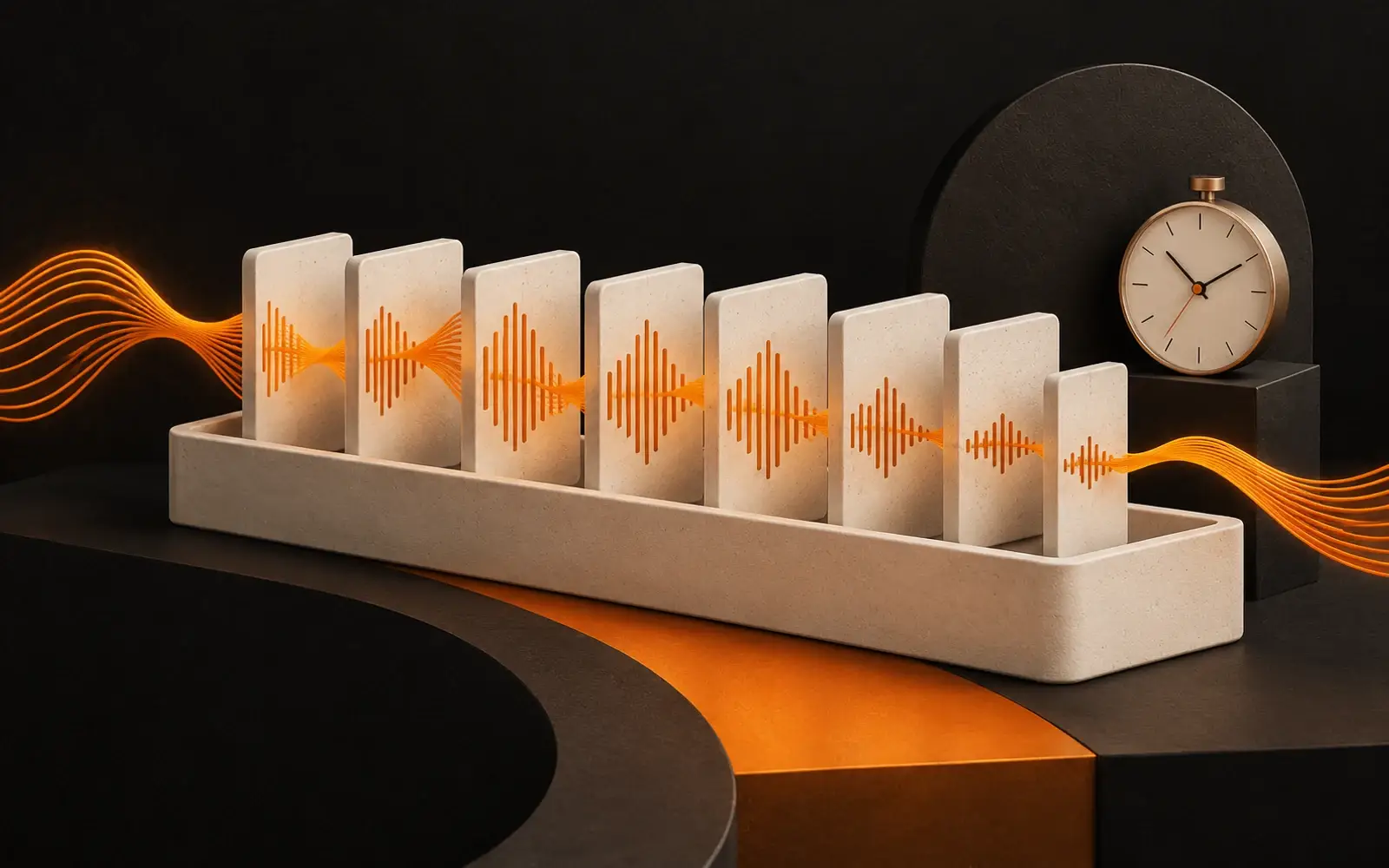
In a live show two things work against each other: if you want to lower the delay, the risk of dropouts rises; if you want to prevent dropouts, the delay rises. The setting that decides this balance is the encoder buffer. If it is set wrongly, either the listener hears you late or the stream stalls often.
What is the encoder buffer?
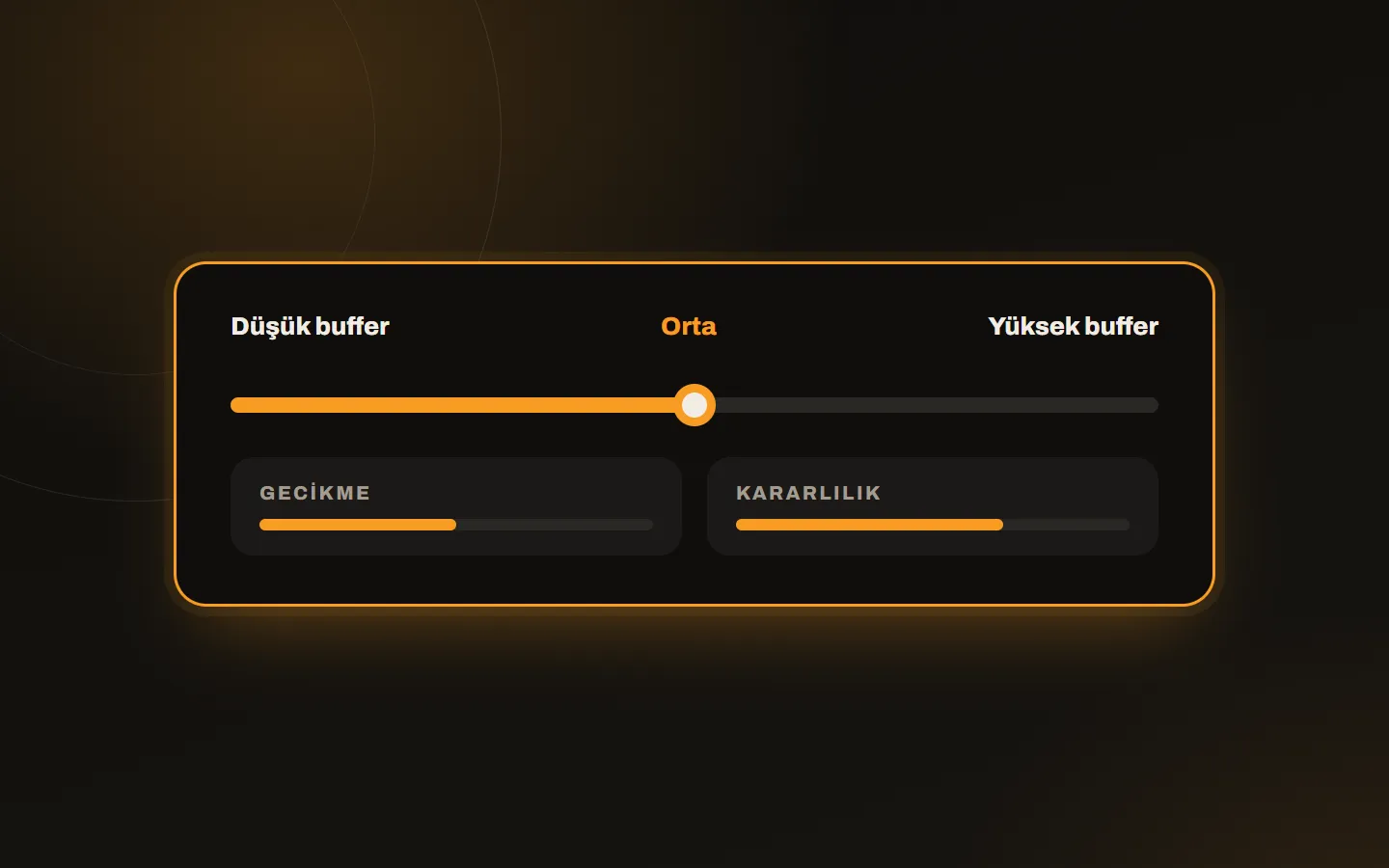
The encoder buffer is the holding area where audio data is kept briefly during a live show. It evens out small fluctuations in the connection and prevents the stream from dropping. To recall what an encoder is, read what is an encoder.
What is latency?
Latency is the time between the moment the DJ speaks and the moment the listener hears it. It varies with encoder buffer, bitrate and network conditions. In interactive shows such as a live phone-in or a quiz, delay matters; in a music broadcast listeners do not notice a few seconds.
How big should the buffer be?
| Buffer | Delay | Stability | When? |
|---|---|---|---|
| Low | Little | Low (high risk of dropouts) | A stable studio connection, interactive shows |
| Medium | Medium | Good | A home connection, most shows |
| High | More | Very good | A fluctuating connection, mobile internet |
An unbalanced buffer leads to sync and stability problems.
What happens with a wrong buffer setting?
- The stream drops momentarily.
- Sound fluctuations occur.
- Listeners often have connection problems; you can tell whether it is on your side or theirs in the buffering guide.
- Controlling the live show gets harder.
The ideal approach for live shows
The buffer is set according to the stability of the internet connection you broadcast from. Choose a medium buffer on a home connection and a lower one on a wired, stable studio connection. If you broadcast over mobile internet, start with a high buffer.
Common misconceptions
| Misconception | Reality |
|---|---|
| Low delay is always better | Low delay raises the risk of dropouts |
| Raising the buffer spoils quality | The buffer does not spoil sound; it only adds delay |
| Encoder settings do not affect performance | They are core components of broadcast performance |
How to find the setting
- Start with a medium value.
- Run a 15-minute trial show and see whether there are dropouts.
- If there are none, lower the buffer step by step; if trouble appears, go back to the previous value.
- Measure delay by listening to the player (speak and note when the sound arrives).
- Do not change the setting during the show; a change can cut the sound.
Think of it together with a backup
However well the buffer is set, a connection can drop. If AutoDJ is on as a backup, the radio does not go silent when the live show drops. So always plan live shows together with AutoDJ.
Conclusion
Encoder buffer and latency decide both the quality and the reliability of a live show. A stable connection and a tested buffer value solve most problems at the start. For an account suited to live shows, see the radio hosting plans; for help with settings, write to us.