If your radio’s website opens over HTTPS but your stream address still starts with “http://”, some of your listeners may not be able to hear you at all. Modern browsers block playing an insecure audio stream inside a secure page. In this post we explain what an SSL stream is and why it is today a requirement, not an option.
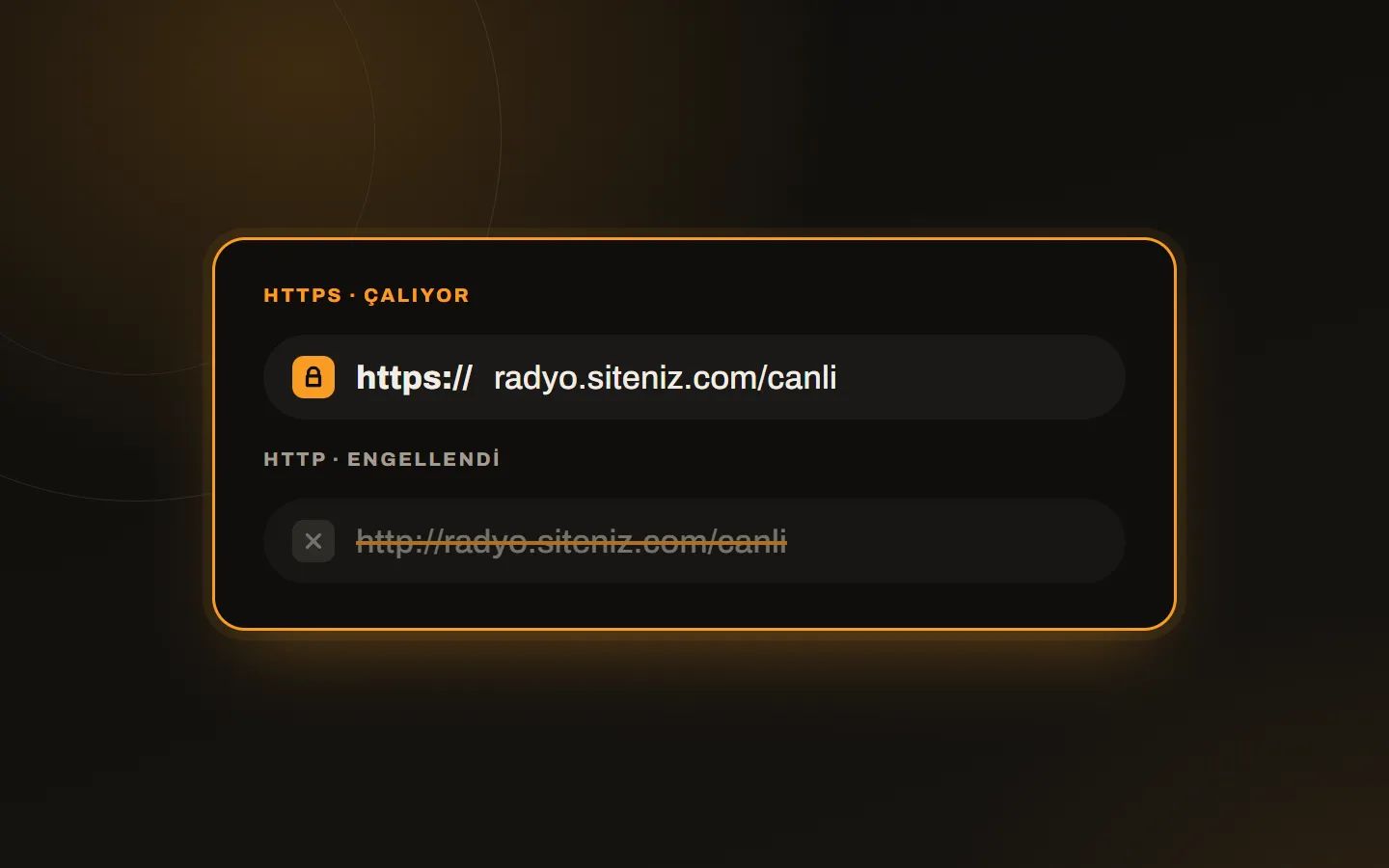
What is an SSL stream?
An SSL stream delivers the radio stream to the listener over an encrypted (HTTPS) connection. Your stream address starts with “https://” and the browser treats it as secure content.
Why does radio need SSL?
- Browsers block mixed content. Trying to play an “http://” stream from inside an HTTPS page is blocked as “mixed content”; the sound never starts.
- Web player iframes do not work. A player embedded in your HTTPS site will not open if its own address is not SSL.
- Mobile apps require secure connections. Many mobile platforms reject or warn about unencrypted connections.
- Trust and accessibility improve. Listeners do not meet a “not secure” warning.
What happens without SSL?
The browser shows an “insecure content” warning, the web player may not open at all, and the stream may be rejected on mobile devices. In the end the listener moves to another radio without understanding the cause, and you never notice the loss.
Does an SSL stream affect performance?
On modern radio infrastructures, encryption causes no noticeable performance loss. On the contrary, connection stability improves and continuity is preserved. Stalling usually comes not from encryption but from bitrate, capacity and the listener’s internet; see our buffering post for details.
Why is it more critical for radio resellers?
In a radio reseller setup, every sub-radio’s stream has to work securely. A single stream without SSL means the player does not open on that customer’s site and comes back to you as a support ticket. That is why on radio reseller hosting plans each radio’s stream and player address comes with free SSL.
Checklist
- Does your stream address start with “https://”?
- Do live, AutoDJ and fallback streams all support SSL?
- Have you tried the player on an HTTPS page and on a mobile device?
- Are certificates renewed automatically?
- Have you updated the old “http://” stream links on your site?
How do I start?
On all Kariha radio hosting plans the stream and player addresses come with free SSL; no extra setup is required. You take the code to add the player to your site from SonicPanel; see SonicPanel features. If you are migrating from an older setup, write to us and we will plan the address changes together.
If you would rather manage SSL with a hosting panel, see SSL certificates and backups in DirectAdmin.