Your radio hosting account is ready and AutoDJ is running; now you want to go live. For that you need a broadcasting program on your computer that captures the sound and sends it to the server. There are many options but they all do the same job: take the sound, encode it, send it to the radio server. In this post we summarise the most common programs, who they suit and what to look at when choosing.
To understand how these programs work, first read what is an encoder.
What to look at before choosing
- What kind of broadcast will you do? A talk programme, a DJ set, or from a ready list?
- What is your operating system? Some programs exist only for Windows or macOS.
- What is your budget? Free options are enough for most users.
- Which protocol does it support? The program must be able to connect to SHOUTcast or Icecast.
- How technical are you? A simple interface helps a lot in the first days.
Options for Windows
| Program | Who it suits | Licence |
|---|---|---|
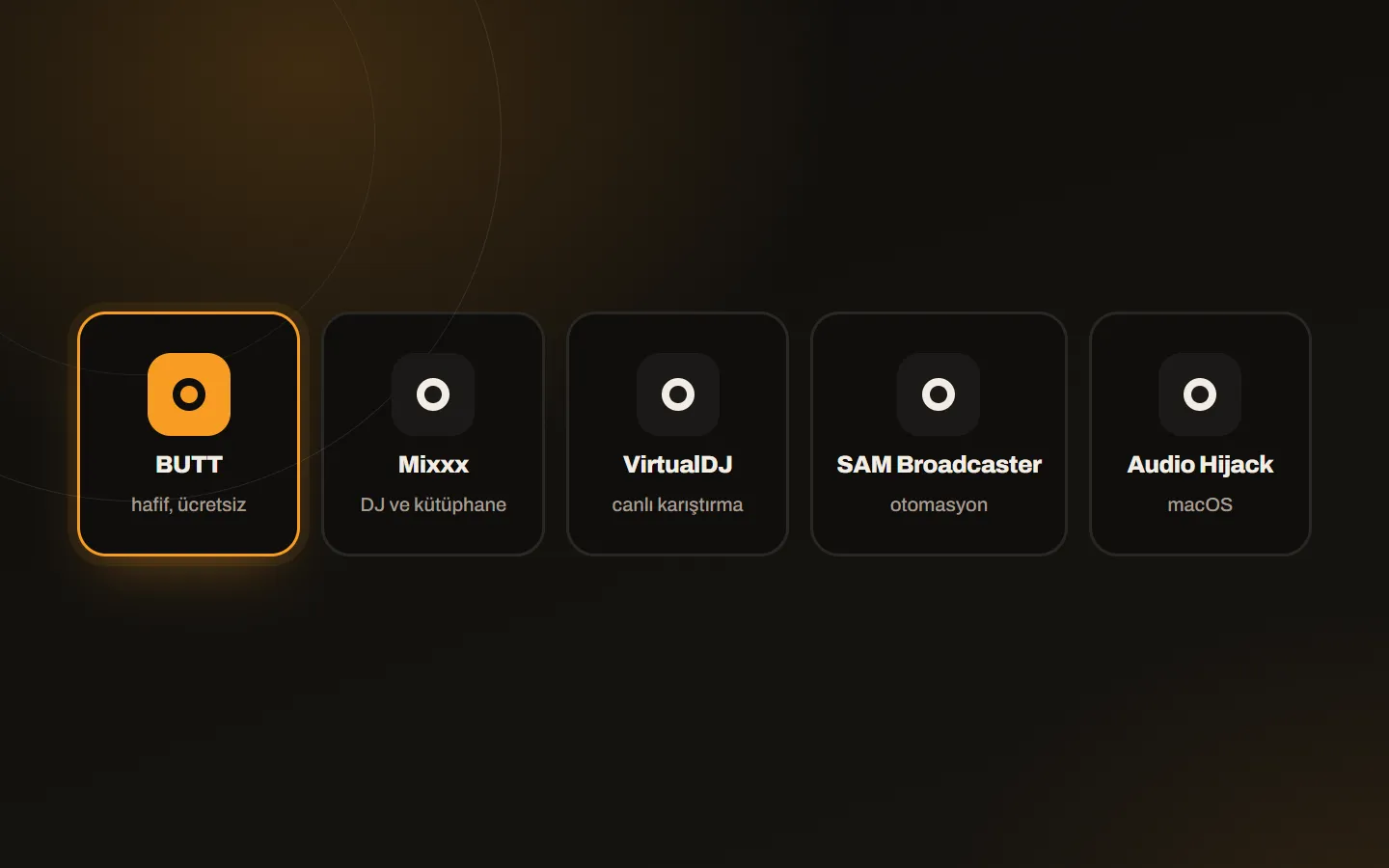
| BUTT | Those who only want to send sound to the server; light and plain | Free, open source |
| Mixxx | Those who want a music library and DJ mixing | Free, open source |
| VirtualDJ | DJs and music mixing; live sets | Free version available, commercial |
| SAM Broadcaster | Those who want full radio automation | Commercial |
| Winamp (with a DSP plug-in) | Those keeping an old habit | Free |
Options for macOS
| Program | Who it suits | Licence |
|---|---|---|
| BUTT | Simple live broadcasting | Free, open source |
| Mixxx | DJ and library management | Free, open source |
| VirtualDJ | Live mixing | Free version available, commercial |
| Audio Hijack | Routing sound from other apps (Music, GarageBand, Logic and others) to the stream | Commercial |
Which one in which situation?
- A talk programme with a microphone: BUTT is enough. Pick the microphone, enter the server details and connect.
- A DJ set or a live show with music: Mixxx or VirtualDJ; you manage the music library and transitions in one place.
- Full radio automation: commercial software such as SAM Broadcaster. Still, SonicPanel’s AutoDJ is enough for many broadcasters without extra software.
- Sending another app’s sound to the stream on a Mac: Audio Hijack.
What to watch on the first connection
- Enter the server address, port, mount point and password exactly as in your account.
- Do not choose a bitrate above your plan limit.
- Leave the encoder buffer at default and test first; see encoder buffer and latency.
- Before going on air, check that AutoDJ is on as a backup.
Copyright and licensing
Whichever program you use, the broadcaster is responsible for the copyright and licensing obligations of the music played. The programs do not solve that for you.
Is the infrastructure ready?
After choosing the program, you need an account to broadcast to. See our radio hosting plans with AutoDJ, live DJ and unlimited listeners, and write to us if you get stuck during setup.