
A customer can like your product and still hesitate because its size, compatibility or delivery is unclear. A product page should reduce that uncertainty as well as show an image and a price. Use this checklist to inspect the questions your current pages leave unanswered.
Make the product and price understandable
A model number alone may not tell a new visitor what they are looking at. Include the product type and distinguishing information in the title. Keep detailed specifications organised further down the page rather than putting everything into the heading.
Make clear which option the displayed price covers. State whether the offer is for one item, a pack or a measured quantity. If choosing a variant changes the price, the updated amount should be visible before the item reaches the basket.
Explain campaign conditions where relevant. A permanent-looking discount badge without a clear offer adds little useful information. The amount and item shown on the page should agree with the basket.
Give each image a purpose
Several photographs from nearly the same angle may answer fewer questions than a smaller, deliberate selection. Depending on the product, show the back, material, connection points, package contents or a useful scale reference.
Write measurements as text and consider an image that communicates scale. An object that looks large in a studio photograph can be much smaller in real use. Variant images should represent the option the customer selected.
Test the gallery on a phone connection. High image quality is less useful if oversized files delay the buying controls. Keep important specifications in readable text rather than embedding them only inside an image.
Connect specifications to actual use
Explain who the product suits, what it works with and what is needed to use it. Specific care instructions or compatibility details are more informative than a generic claim about quality.
Answer the applicable questions:
- What exactly is included in the package?
- Which size, device or use case does it fit?
- Does the customer need a separate component?
- Is assembly or maintenance required?
- Which uses are unsuitable?
Describing limitations can help customers avoid ordering the wrong item. Do not promote every product with interchangeable claims when the meaningful differences determine which one they should choose.
Make variant selection hard to misunderstand
Label sizes, colours and capacities clearly. A small colour swatch may need a written name alongside it. Unavailable variants should not behave as if they can be purchased.
If a size is required, show the relevant instruction beside that field when someone tries to continue. Preserve previous choices after an error. Also confirm that the correct identifier, price and stock record follow the selected variant into the basket.
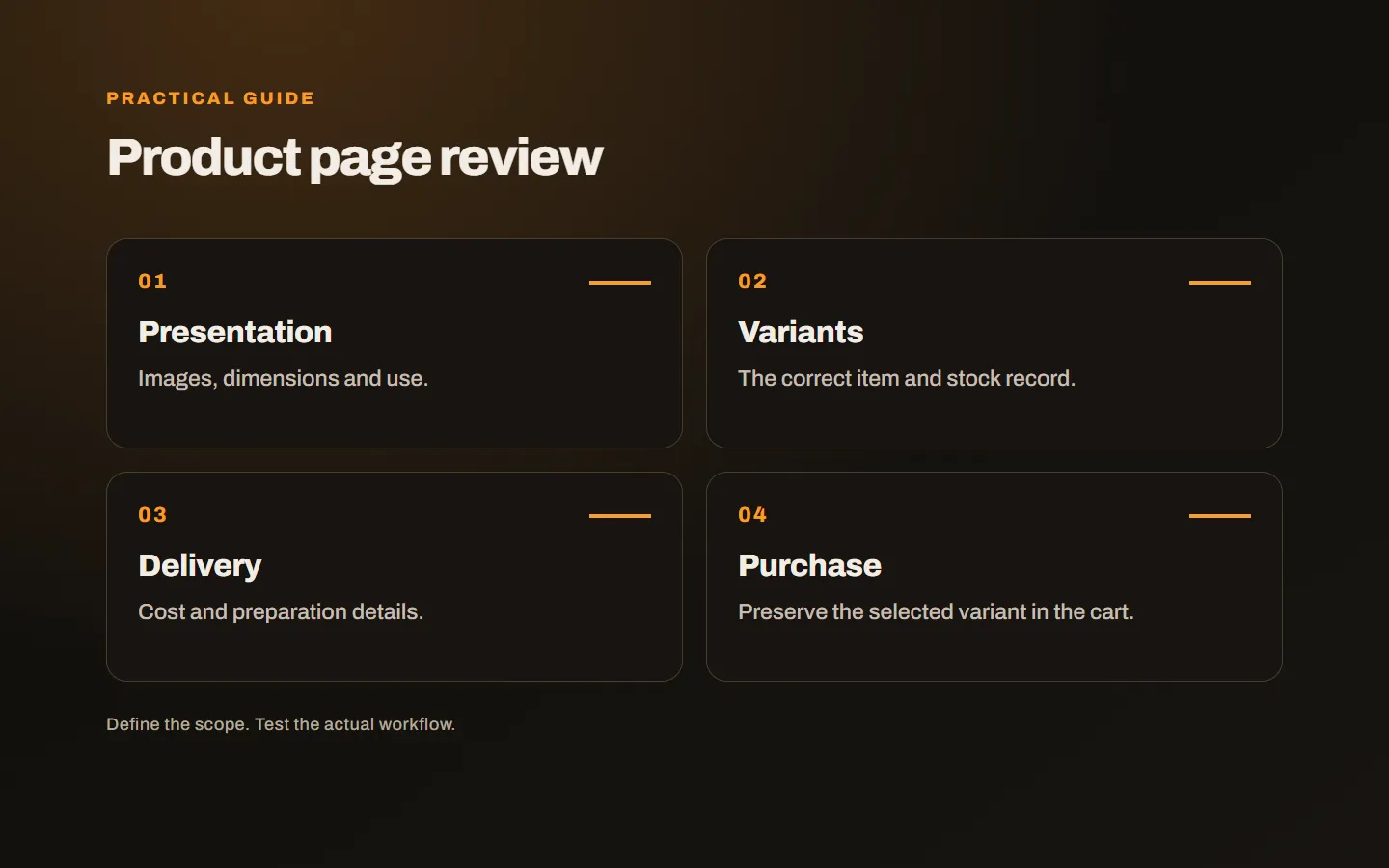
Explain delivery and after-order information
Show available delivery and preparation information before the final payment step. Where a cost depends on destination or basket contents, explain how it will be calculated. Product-specific lead times should not disappear beneath a generic delivery message.
Make current return and exchange information easy to find. The aim is to guide the customer to accurate terms, rather than copy a complete legal document into every description. Have applicable product conditions checked appropriately instead of borrowing another store’s deadlines or exceptions.
Consider what happens after the purchase. Order tracking, support and reporting a missing item should be understandable. The operation must match the promises made on the page.
Use evidence customers can trust
Genuine reviews and documented product properties can support decisions. Do not invent ratings, sales counts or usage claims. A row of generic trust badges cannot replace missing product information.
If customers can message support, include enough product context for the team to understand the question. However, answer common factual questions on the page where possible. Requiring a conversation to learn basic measurements creates unnecessary work for everyone.
Connect the people writing descriptions with customer support. Repeated questions about size, package contents or compatibility offer a practical editing list. Add answers to the relevant products rather than expecting every buyer to begin a conversation. This also creates a manageable catalogue maintenance routine: product information can improve as real questions arrive, instead of remaining a one-time task before launch.
Test all the way through the basket
Do not stop when the “Added” message appears. Verify the product, variant, quantity and price. Change quantities, return to the page and continue toward checkout on a phone. Check recovery from errors and repeated submission.
For the wider store setup, see our decisions to make before launching e-commerce. For an existing catalogue, begin with frequently visited products and those generating repeated questions.
Our e-commerce service considers product presentation alongside ordering and management. Share a product page and the questions customers ask most often, and we can identify the information and flow that need attention.